DIGITAL BATTERY TESTER
BT9008 |
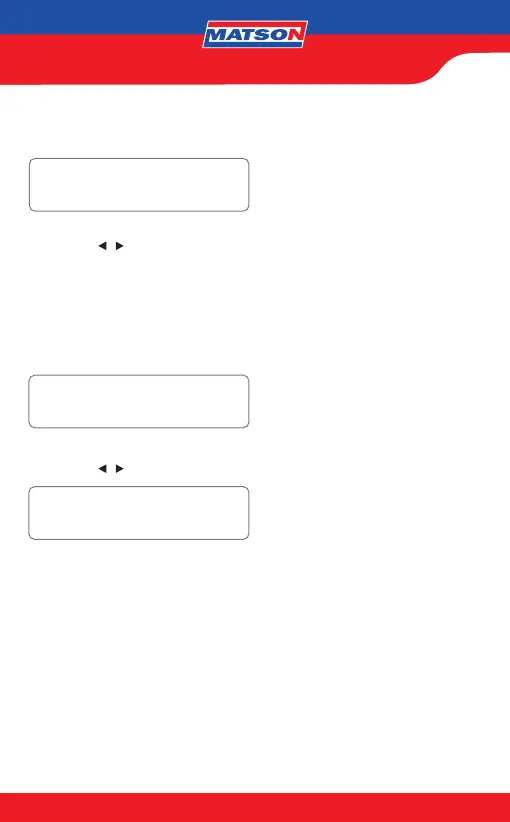
7. Press the / key to input the battery capacity.
CCA/SAE: 40~2000
EN: 40~1885
DIN: 25~1120
IEC: 30~1320
JIS: By Battery Type No.
CA/MCA: 50~2400
BATTERY TEST
SELECT CAPACITY:
560CCA/SAE
ABOVE 32°F/0°C?
YES/NO
8. Press the
/ key to conrm temperature.
9. Press <<Enter>> to begin the test.
*Return Feature: Before the test is started, the user can always return to the previous
setting page by pressing <<ENTER>> for 2 seconds.
SURFACE CHARGE NOTICE:
The battery will hold a surface charge if the engine has been running or after the
battery has been charged. The tester may prompt you to remove the surface charge.
6. Press «ENTER» to conrm choice.
ENTER


 To Next Page