User Guide
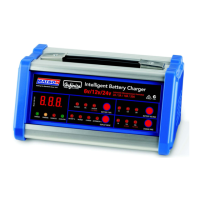
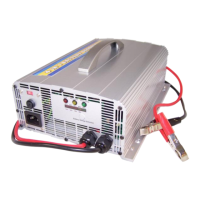
4 in 1 Charger
1. Confirm that the correct input voltage is being used (200v
– 240v).
2. Plug in the AC cord. DO NOT CONNECT THE CLAMPS TO
THE BATTERY YET.
3. Press the “Battery Voltage Selection” button and select
from the following options:
a. When charging a 12V battery, 1 LED will light up.
b. When charging a 24V battery, 2 LEDs will light up.
c. When charging a 36V battery, 3 LEDs will light up.
d. When charging a 48V battery, 4 LEDs will light up.
4. Check that the correct setting has been selected and then
connect the clamps to battery (Red first and black second).
5. LED indicator guide:


 To Next Page