En 15
2-1 Audio CD Playback
Basic Playback
1 Press POWER on.
2 Press <OPEN> to open the disc cover.
3 Hold the edge of the disc to put it in the center with the printed side up.
Hold the disc without touching its surfaces, position it with the printed title side facing up, align it with the
guides, and place it in its proper position.
4 Close the disc cover.
For audio CDs without playback control:
The portable DVD player starts to playback.
For audio CDs provided with playback control:
A menu appears after a few seconds.
Stopping Playback
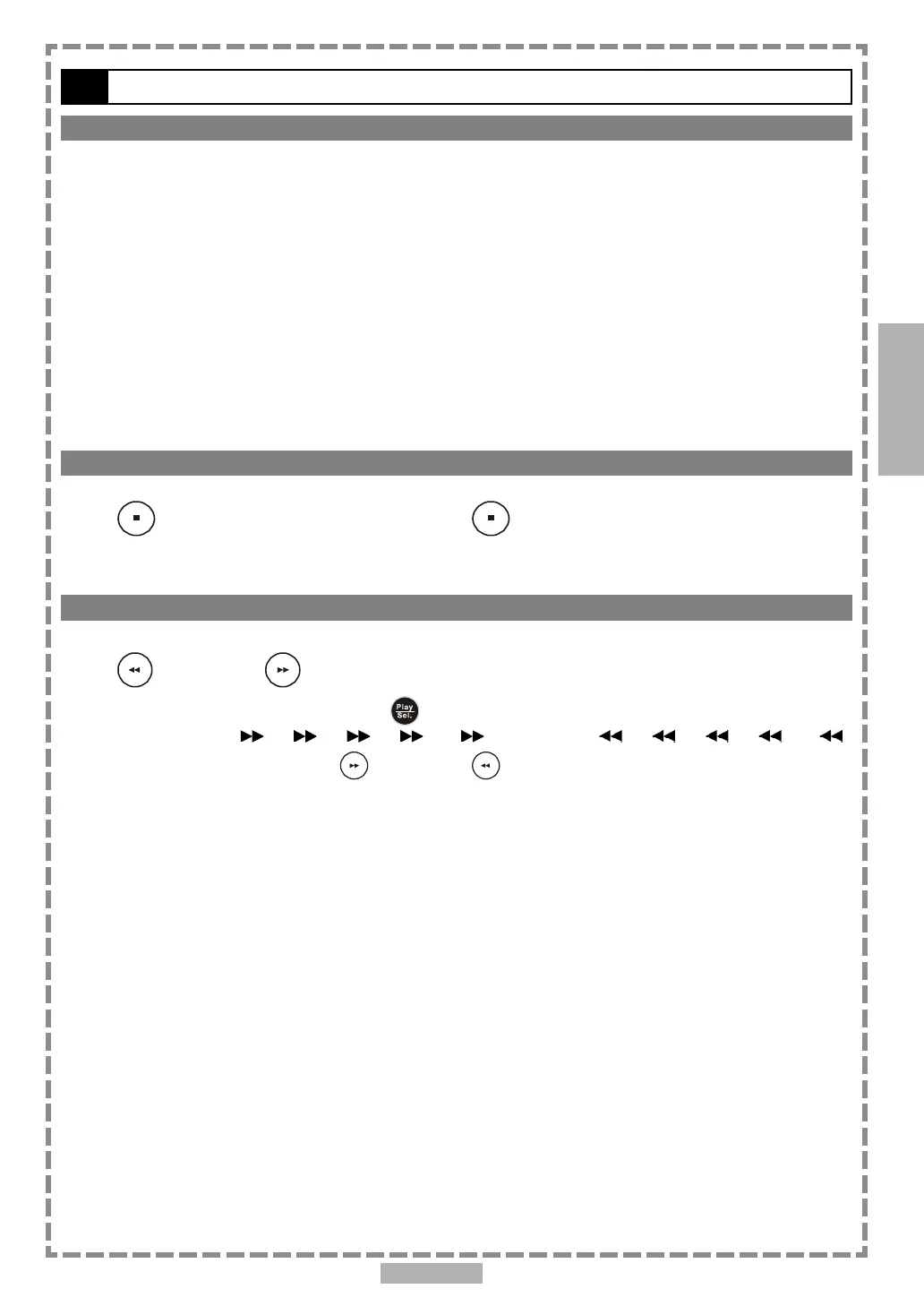
Press <STOP> once to <pre-stop>. Press <STOP> twice to stop.
Rapid Advance and Rapid Reverse
Press <F.BWD> or <F.FWD> during playback.
Normal playback is resumed when you press <PLAY/SEL.>.
The speed of advance ( x2, x4, x8, x16, x32) or reverse ( x2, x4, x8, x16,
x32) changes with each press of the <F.FWD> or <F.BWD> button.
2
Audio CD



 To Next Page