En 34
Setup
4-4 Custom Setup-continued
Default Setting
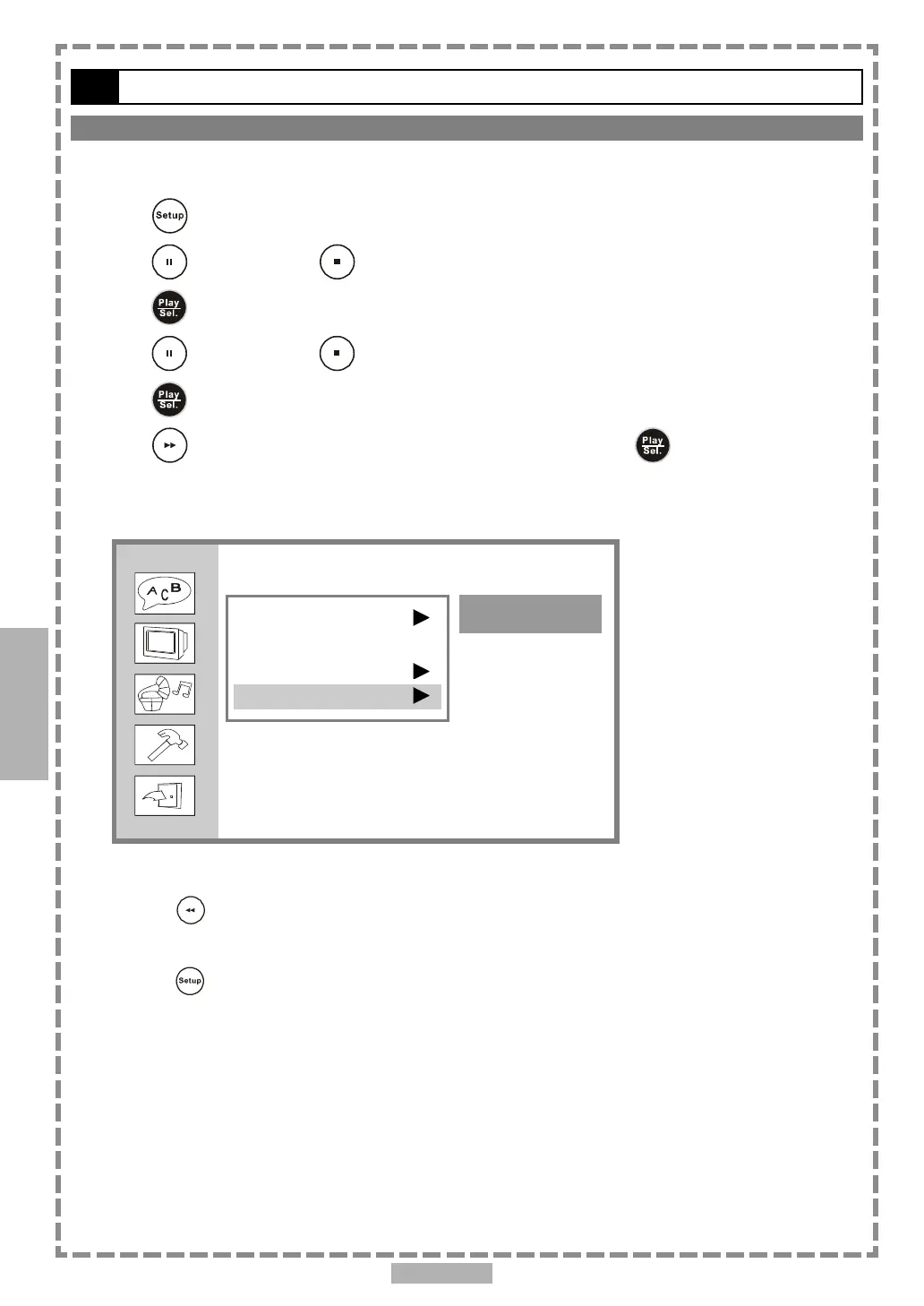
You may re-set the previous settings in CUSTOM SETUP to the default setting.
1 Press <SETUP> in the stop mode.
2 Press <UP> button / <DOWN> button to select “Custom Setup”, and then
press <PLAY/SEL.>.
3 Press <UP> button / <DOWN> button to select “Default”, and then
press <PLAY/SEL.>.
4 Press <RIGHT> button to select “Read”, and then press <PLAY/SEL.>.
<< EXCEPTION>>
The viewer rating and the password setting will NOT be changed even though you re-set to the
default setting.
*To return to the SETUP MENU screen
Press <LEFT> button.
*To finish the setup operation
Press <SETUP> to exit from SETUP MENU screen.
4
Custom Setup
Parental Ctrl
Password ...
Angle Mark
Default
Read



 To Next Page