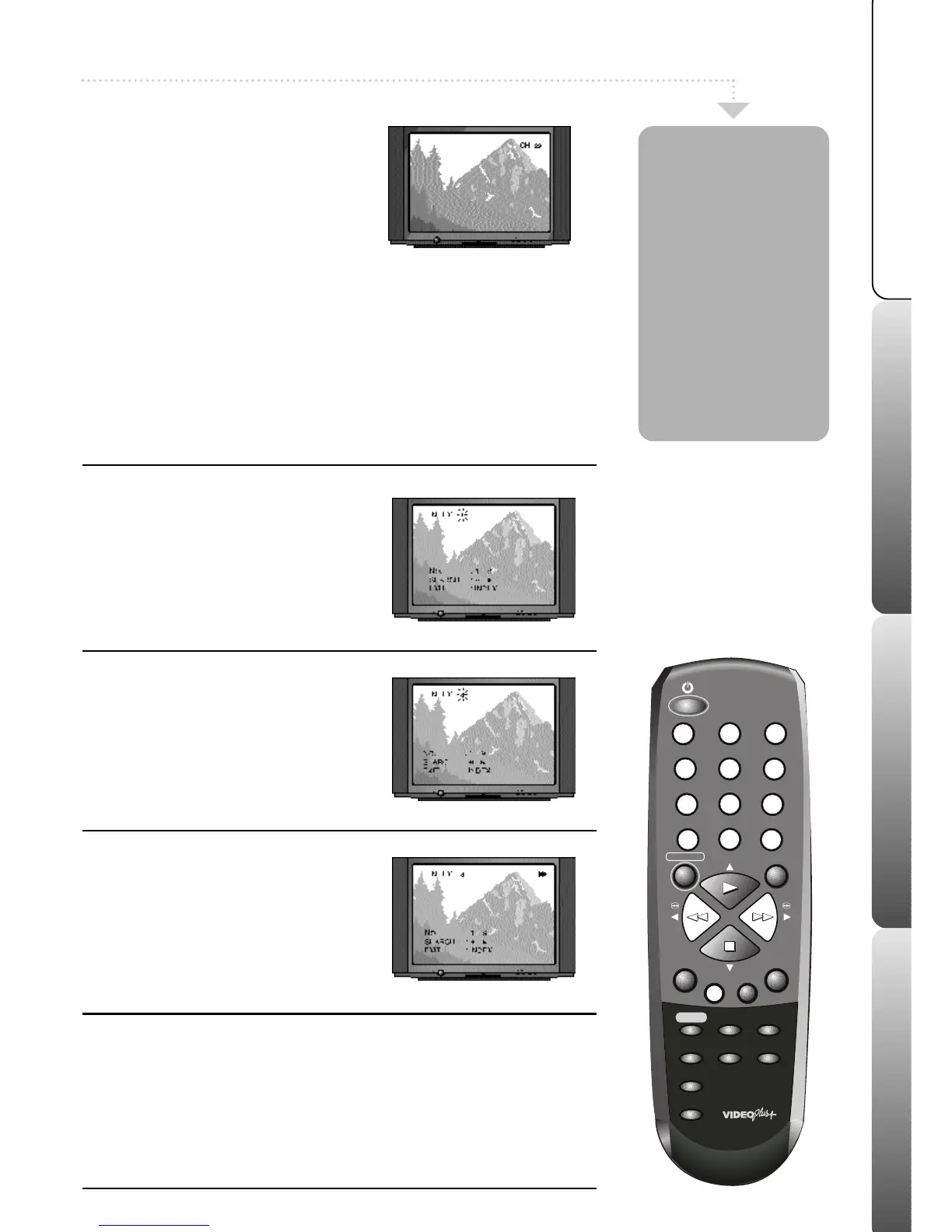
1
Select the index feature
Press the INDEX button on your remote
control during stop or playback.
The word ‘index’ will appear on your TV screen.
2
Select an index position
Press the NUMBERED buttons on the
remote control to select the number of index
positions to skip.
e.g. your VCR tape is at the beginning and you
want to watch the third recording on the tape,
press number 3 on the remote control.
3
Find the index position
Press the F.FWD button to search the
selected number of index positions forward
through the tape or REW to search
backwards.
Playback will start automatically when the
index position is found.
Video indexing
z
The Video Index Search system will only work once several recordings
have been made on a VCR tape.
z
Occasionally, when a recording starts at the very beginning of a VCR tape
the index mark will be missed.
z
When your VCR is searching for an index mark it will not fast forward or
rewind as fast as normal because it is searching for the index marks.
z
A maximum of 9 index marks can be searched on a single VCR tape.
The Video index
search system
allows you to
easily locate the
beginning of any
recording made on
your VCR.
Your VCR
automatically
records index
marks on the tape
whenever a
recording is
started.
1
Select VCR channel on TV
If your VCR is in standby, press the VCR
ON button on your remote control to switch
it on. Select the VCR channel on your TV
(e.g. AV or channel 0).
Video Index Search
2
Change channels
Press the -CH/TR+ buttons on the remote
control to change channels. You can also
select channels directly by pressing the
NUMBERED buttons on the remote control.



 To Next Page