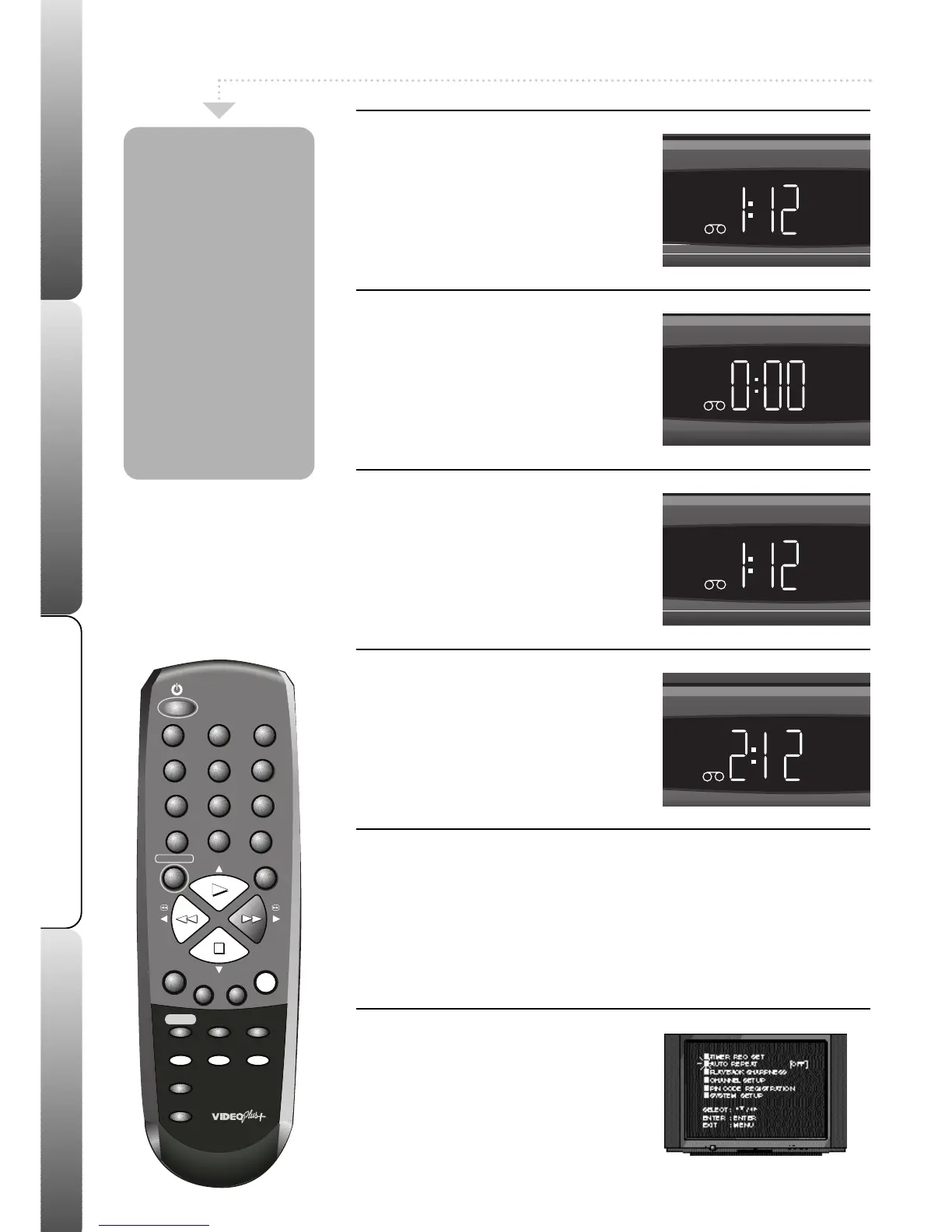
1
Selecting the counter
The clock displays the current time in the
VCR display. The counter displays how
much time has elapsed since the point at
which you started playing a tape.
To switch
between the two press the
CLOCK/COUNTER button.
2
Counter Reset
Select the counter and then press
COUNTER RESET to reset the counter to
00:00.
When you load a tape the counter will
reset.
If you rewind a tape from 00:00, a minus sign (-
) will appear in front of the counter.
3
Zero Return
When the VCR is not playing, press the
ZERO RETURN button, the tape will
rewind or fast forward until the counter
reaches 00:00 automatically.
This feature is useful for returning to a point in a
tape you wish to view again.
4
Counter Pause
When you rewind or fast forward through
blank sections of tape, the counter will stop
counting.
When the Auto Repeat feature is switched ON your VCR tape will
play continuously. When the end of the tape is reached, it will
rewind to the beginning and start to play again.
1
Select Auto Repeat
Press MENU; the main menu will appear.
Press PLAY or STOP to highlight AUTO
REPEAT.
Press REW to select ON or OFF. Press
MENU to clear the screen.
Press PLAY to start playing your tape.
Your VCR has a
counter which can
display the actual
amount of time (in
seconds) that a VCR
tape has been
playing.
The Zero Return
feature allows you
to set the counter to
0:00 at any point in
the tape and then
rewind and start
playing from that
point when you
press the ZERO
RETURN button.
Auto Repeat Play
8



 To Next Page