1
Play a tape
Start playing a VCR tape.
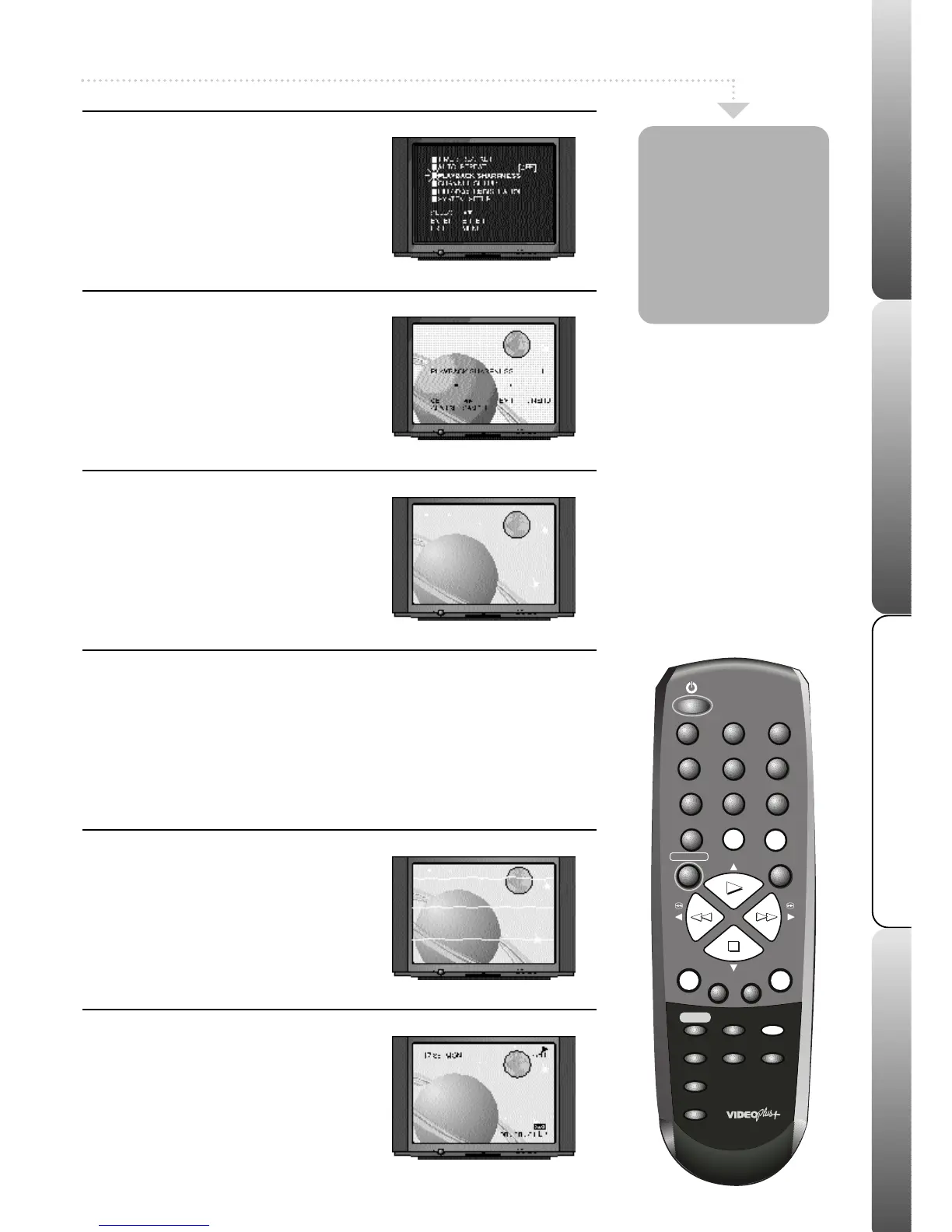
Press MENU, the main menu will appear.
Press PLAY or STOP to highlight
PLAYBACK SHARPNESS.
You will not be able to select the playback
sharpness feature unless a VCR tape is playing.
2
Select/Adjust Sharpness
Press ENTER, the playback sharpness
screen will appear. Press REW or F.FWD
to adjust the playback sharpness to the level
you require. Moving the bar to the left
makes the picture appear softer. Moving the
bar to the right increases the definition on
the picture.
3
Exit the Menu
Press the MENU button twice to remove the
playback sharpness screen.
The playback sharpness screen disappears
automatically after 60 seconds if no buttons
are pressed.
1
Manual/Automatic Tracking
If white lines appear during playback or the
picture starts to shake you can try to adjust
the tracking manually.
Press the TRACKING + or - buttons to
obtain the best picture. To return to automatic
tracking eject the tape and play again.
2
Call
When you press the CALL button, the
current time, channel and any other
relevant information (e.g. tape counter,
record sign) will appear on the screen.
Press CALL again to remove the
information.
Your VCR has a
Playback
Sharpness feature
which can be used
to improve the
picture quality
from a VCR tape
during playback.
Automatic Tracking and Call
Automatic tracking adjusts the picture to make sure you see the best
possible picture. When a VCR tape is played, the digital auto tracking
system automatically adjusts the tracking of the VCR to obtain the best
picture from the VCR tape. The Auto Tracking Indicator (ATR) flashes in
the VCR display while your VCR searches for optimum tracking (usually
the first few seconds of playing a tape). The ATR will remain lit as long
as automatic tracking continues.
9



 To Next Page