Calder Brothers Corporation
Model: M415XT Maintainer
M415XT
Section C – Controls & Accessories
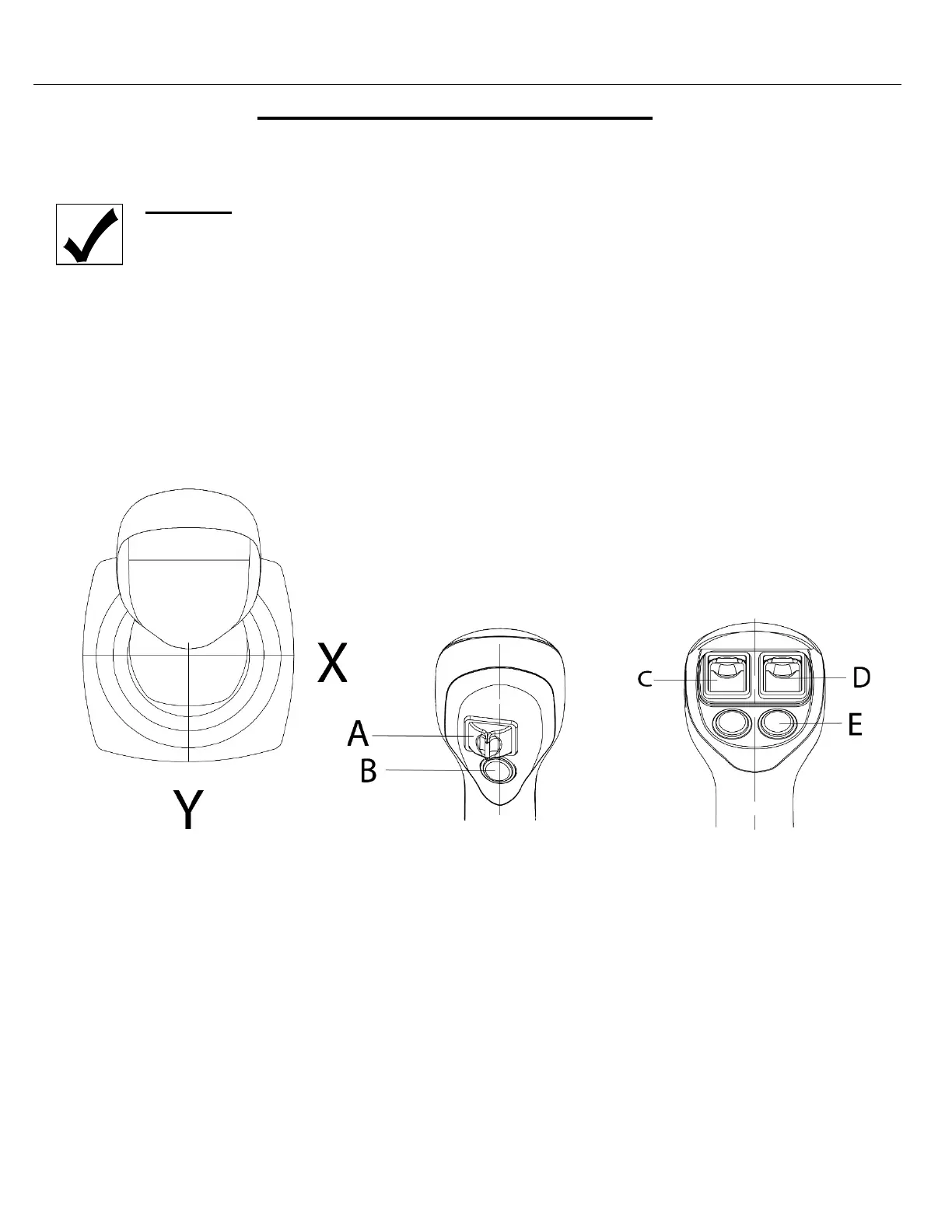
MOLDBOARD AND ATTACHMENTS CONTROLS
On the operator’s display, select “Grader Mode” to activate the moldboard.
WARNING
Unattended machine hazard. Set Brake, lower Moldboard and Attachments to ground BEFORE leaving
the machine. An unattended machine could move or roll and cause death or serious injury to operator
or bystanders.
Operator Mode Selector
The M415XT has 2 Operator Modes. One mode to operate the Boom, Bucket, and Scarifier implements. This is
known as Loader Mode. It is indicated on the display as a small front loader icon. Grader Mode Controls all of the
Blade Functions. Grader Mode is indicated on the display with a small grader. You can toggle between the modes
using the button on the Display. You can also double click button (B) on the joystick to switch between the modes.



 To Next Page