ADJUSTING THE EYECUP:
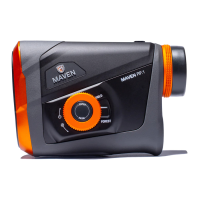
The eyecup on the RF.1 twists in and out so any user can see the full field of view and
enjoy comfortable viewing and ranging with or without glasses. For best viewing
without glasses we recommend twisting the eyecup such that it is fully extended. For
best viewing with glasses, twist the eyecup down.
REPLACING BATTERY:
To replace the battery, remove the battery cap by
lifting the battery tab. Twist counter clock-wise to
open the battery compartment and insert CR2
battery with positive end facing outwards. Once
installed, reinstall battery cap and ensure it is
threaded tightly.


 To Next Page