45
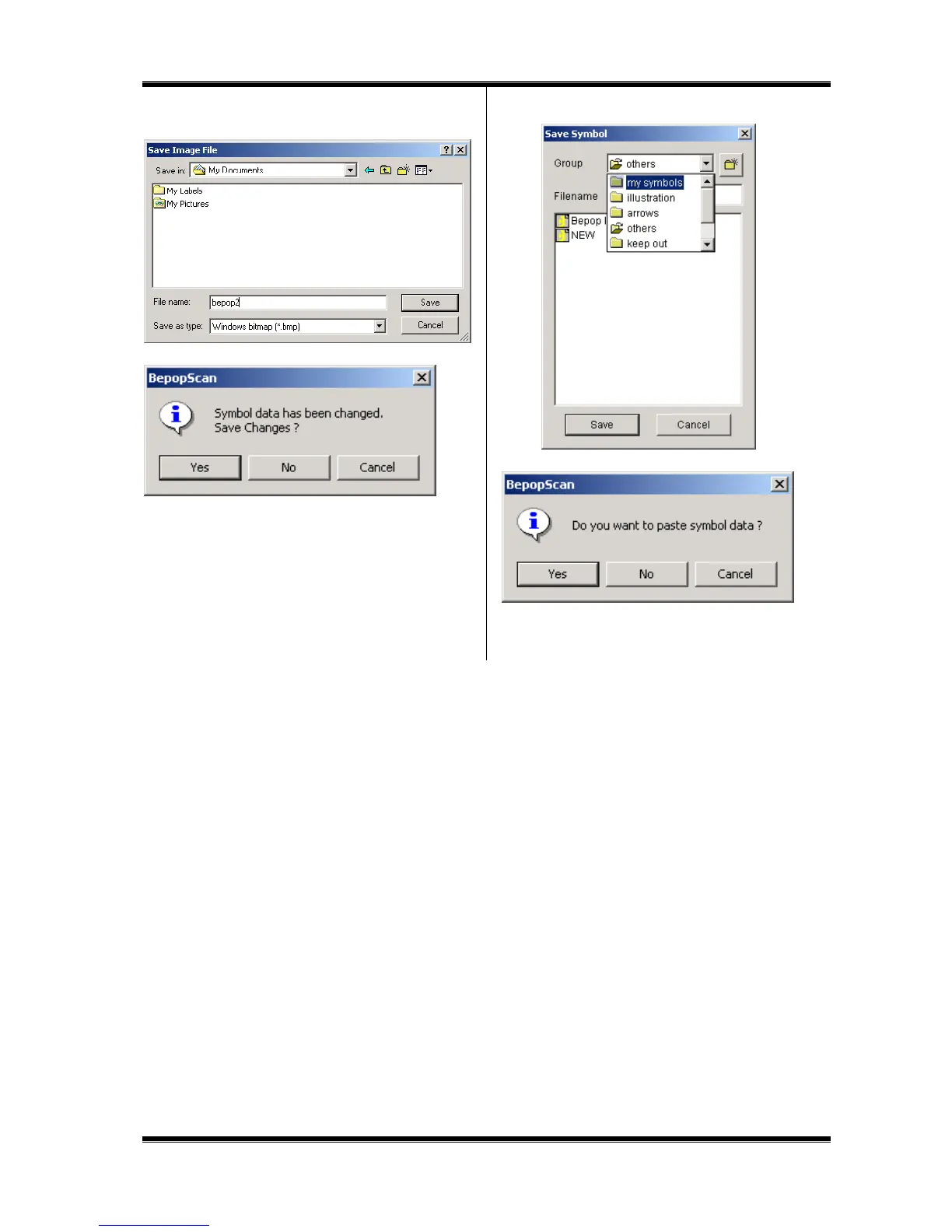
12 Select a location to save, name a file, and click [Save]
button.
13 Click [Yes] to save the outlined data.
14 Select a group name, name a file, and click [Save] button.
15 Click [Yes] button to paste to the editing screen.
16 The symbol data is laid out in the editing screen.



 To Next Page