EasyManua.ls Logo

Max ER-2700 - User Manual

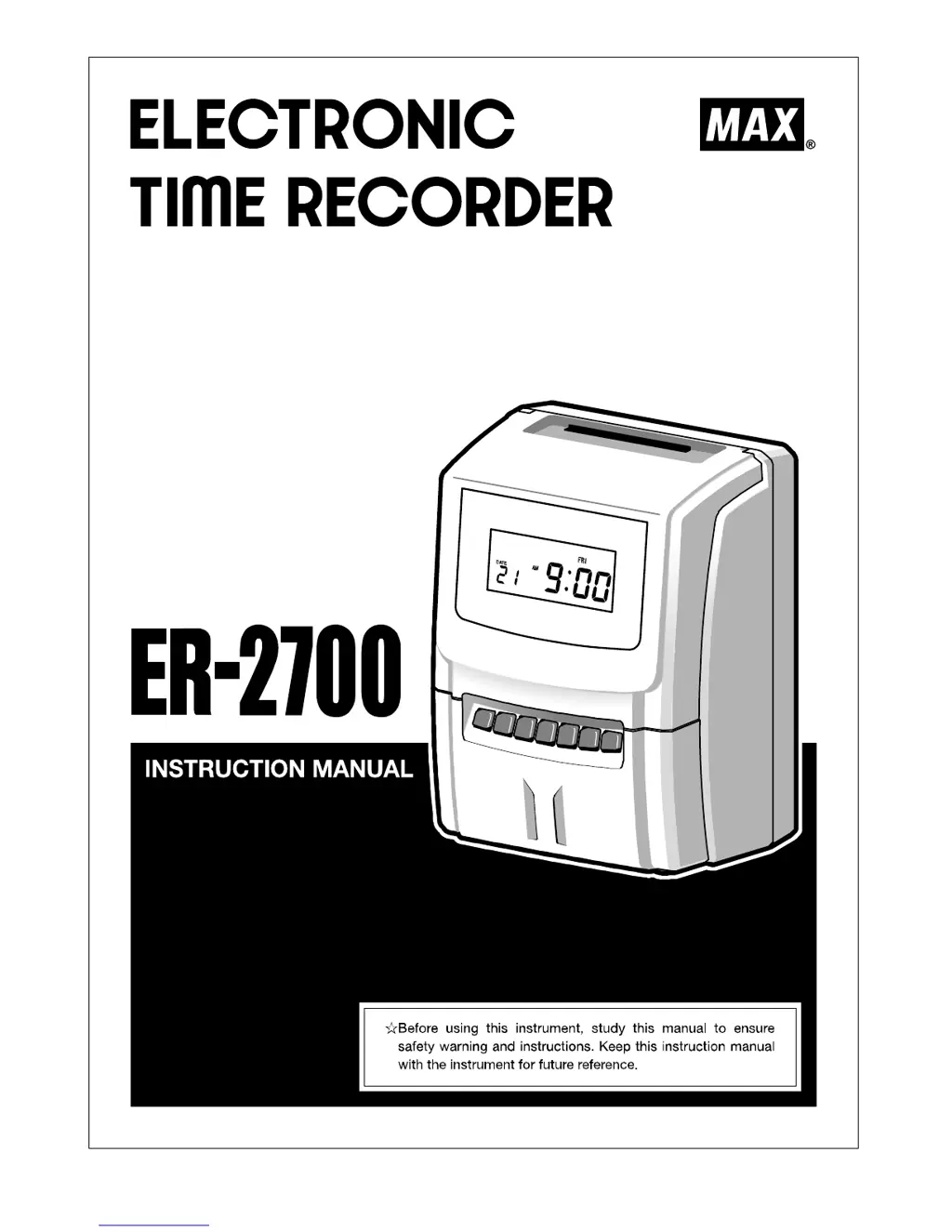
Max ER-2700
28 pages
Print Icon
To Next Page IconTo Next Page
Loading...

Questions and Answers

  • M
    millermeganAug 3, 2025
    Why is the printout faint on my Max Voice Recorder?
    • P
      patriciakingAug 3, 2025
      If you're experiencing a faint printout with your Max Voice Recorder, it might be due to the ink ribbon being used for too long or the ink ribbon cassette not being inserted correctly. Check these two components to resolve the issue.
  • N
    Natalie BeasleyAug 10, 2025
    How to fix card insertion obstruction on Max Voice Recorder?
    • K
      Kathleen FrancisAug 10, 2025
      If card insertion is obstructed in your Max Voice Recorder, make sure the card is being inserted on the correct side and that it is not bent or damaged. These issues can prevent proper insertion.
  • J
    Jasmine MunozAug 19, 2025
    How to troubleshoot no display on Max Voice Recorder?
    • J
      jack98Aug 19, 2025
      If there is no display on your Max Voice Recorder, check if the power cord is correctly connected to the plug socket. This may resolve the issue.
  • S
    Sheila MaddoxAug 26, 2025
    What to do if there is no print out on time card for Max Voice Recorder?
    • D
      Derek JacobsonAug 26, 2025
      If there is no print out on the time card with your Max Voice Recorder, ensure that the ink ribbon cassette is inserted correctly. This may solve the problem.

Summary

BEFORE USE

SAFETY INSTRUCTIONS

Important safety warnings and precautions for safe operation.

MAIN FEATURES

Highlights the key functionalities and capabilities of the time recorder.

DISPLAY AND KEYBOARD

HOW TO OPERATE

HOW TO SET UP

SETTING OR CHANGING DATA

Outlines the general process for entering or modifying device settings.

BASIC OPERATION OF SETTING OR CHANGING DATA

Explains the fundamental steps for navigating and changing settings.

SETTING MODE 1

MACHINE MODE 1 (CODE 01)

Configures employee capacity and its impact on recording functions.

MACHINE MODE 2 (CODE 02)

Sets the 12/24-hour format and the pay period.

SETTING MODE 2 (YEAR, MONTH, DATE, HOUR, AND MINUTE)

SETTING MODE 3

SETTING OPTION

REPLACING INK RIBBON CASSETTE

ERROR CODES

CAUTION CODE

TROUBLE SHOOTING

SPECIFICATIONS

Max ER-2700 Specifications

General IconGeneral
BrandMax
ModelER-2700
CategoryVoice Recorder
LanguageEnglish