6
English
LED Indicators
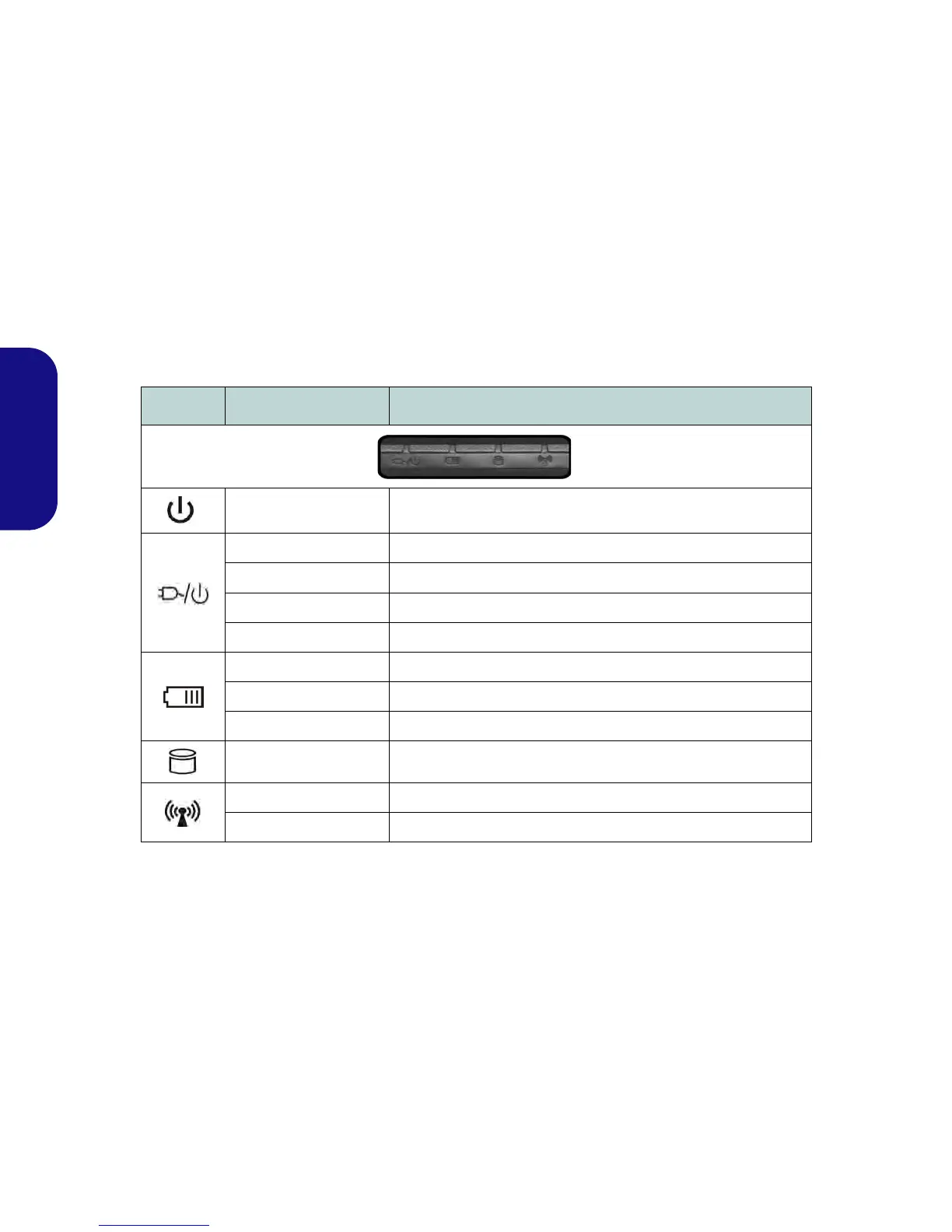
The LED indicators on the computer display helpful information about the current status of the computer.
Table 1 - LED Indicators
Icon Color Description
Blue Power Button
Orange DC Power is Plugged In
Blinking Orange The powered USB 2.0 Port is on (see page 8)
Green The Computer is On
Blinking Green The Computer is in Sleep Mode
Orange The Battery is Charging
Green The Battery is Fully Charged
Blinking Orange The Battery Has Reached Critically Low Power Status
Green Hard Disk Activity
Green The Wireless LAN Module is Powered On
Orange The Bluetooth Module is Powered On



 To Next Page