A:
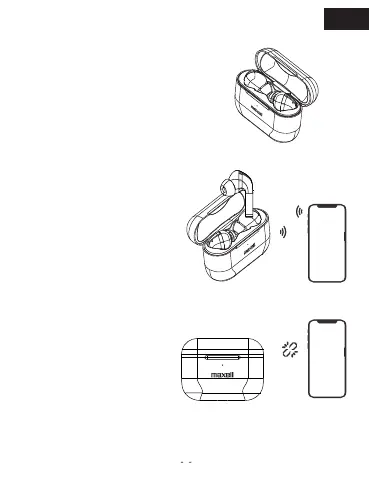
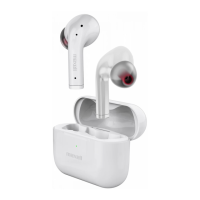
Ensure both buds are inside
the charing case and take out
both buds. The buds’
indicator will flash for a while,
which means earbuds were
Power On.
B:
Tap “MAXELL TWS-ANC1”
form the smartphone’s Bluetooh
menu. There’ s a voice prompt
“Your Device is Connected”
after succeed connection with
smartphone.
C:
Both buds will be AUTO OFF
after into case around 5
Seconds or disconnected with
smartphone over 5 minutes.
* Please charge earbuds before using.
Auto on & Pairing & Auto off
EN


 To Next Page