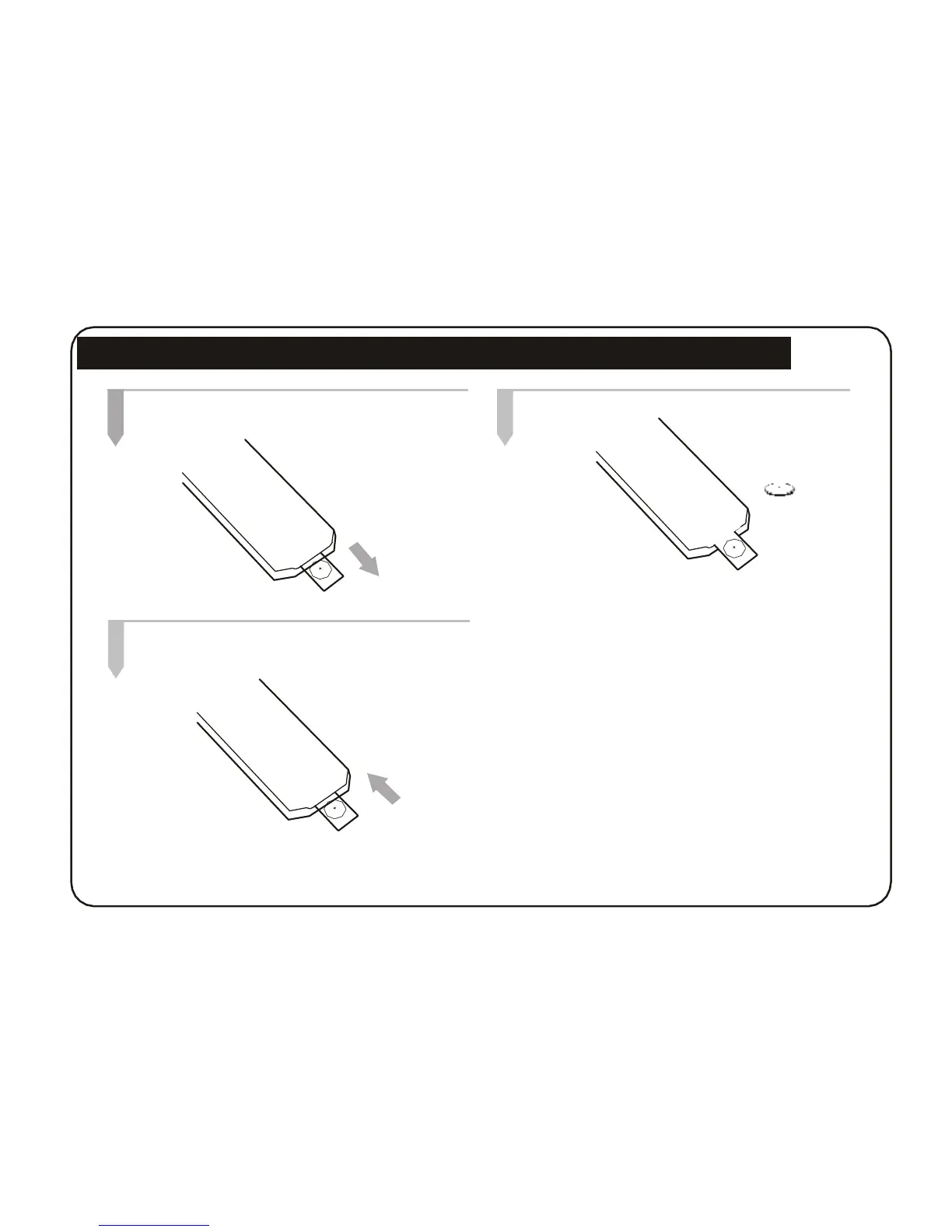
Installing and replacing the Remote Control Battery
1. Remote control face down, pop out the battery
tray.
2. Insert the batteries.
CR2025
3. Close the battery tray.
Insert the batteries according to the correct
(+)(-) polarity.
1. Do not leave dead batteries in the remote control.
2. If you do not use the remote control for a long period of
time, remove the battery.
Note:
1. Point the remote control directly at the digital
frame remote sensor.
2. Do not leave the remote control in an extremely hot
or humid place.
3. Do not spill water or put anything wet on the
remote control.
4. Battery life is 1 year under normal operating conditions.
5



 To Next Page