Play music File Play Photo+Music File
Music will be played automatically when you Pictures and music will be combo played
plug the memory cards or the USB Drive. automatically when you plug the memory cards or the
USB Drive.
Press MENU key to return to Select Mode.
Press MENU key to return to Photo menu.
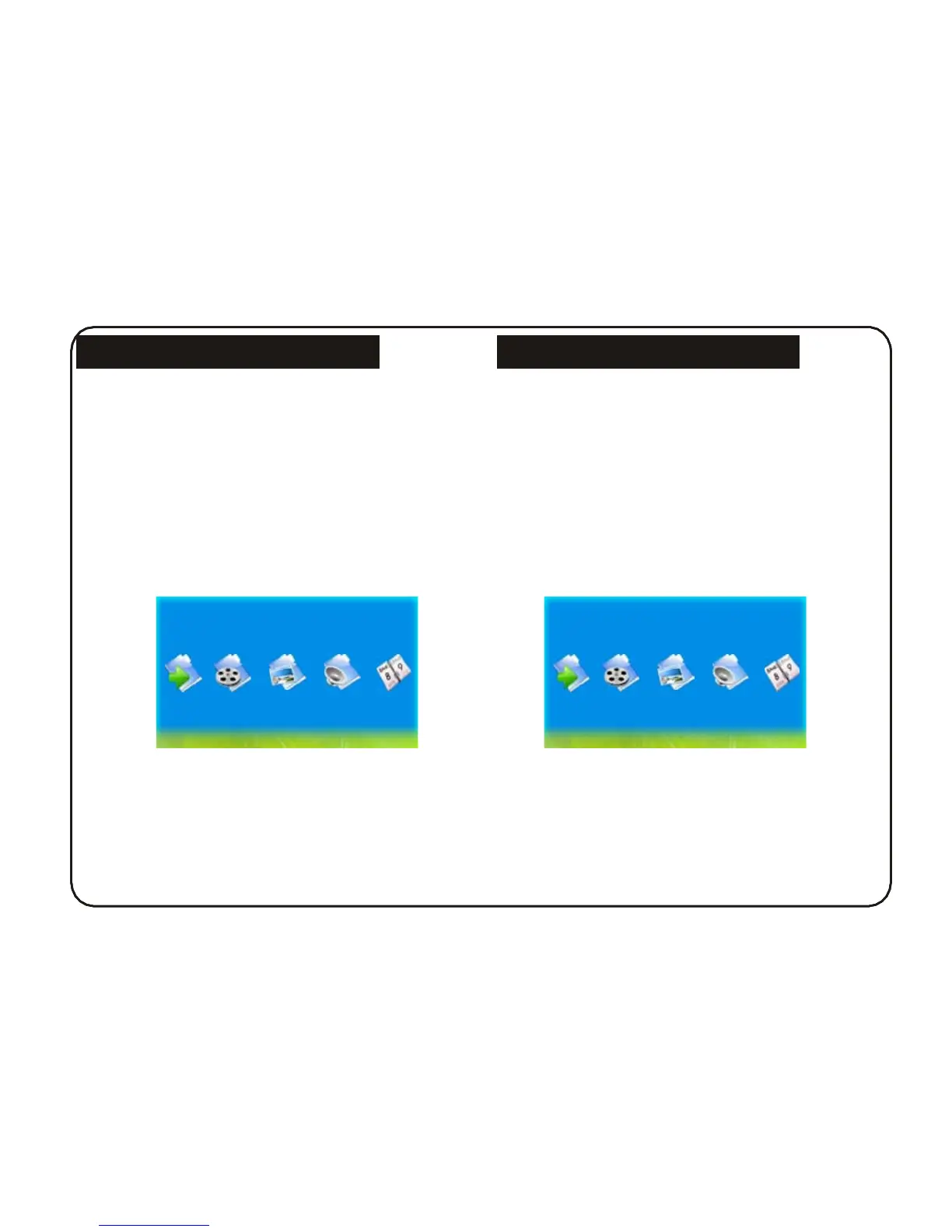
Enter the music playing mode by selecting Music in
the Select Mode (Fig 4).
Enter the pictures and music combo playing mode by
selecting Slideshow in the Select Mode (Fig 5).
Music
SlideShow
Fig 4 Fig 5
8



 To Next Page