3
QM00062-1
Supported signals
NOTE • Be sure to check jack type, signal level, timing and resolution
before connecting this projector to a PC.
• Some PCs may have multiple display screen modes. Use of some of these
modes will not be possible with this projector.
• Depending on the input signal, full-size display may not be possible in some
cases. Refer to the number of display pixels above.
• The signal will be converted to the projector’s panel resolution before being
displayed. The best display performance will be achieved if the resolutions of
the input signal and projector panel are identical.
• Automatic adjustment may not function correctly with some input signals.
• The image may not be displayed correctly when the input sync signal is a
composite sync or a sync on G.
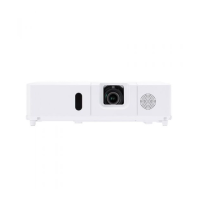
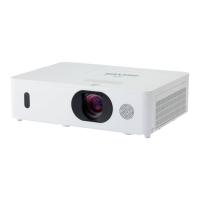
• The illustrations in this manual are for illustrative purposes. They may differ
slightly from your projector.
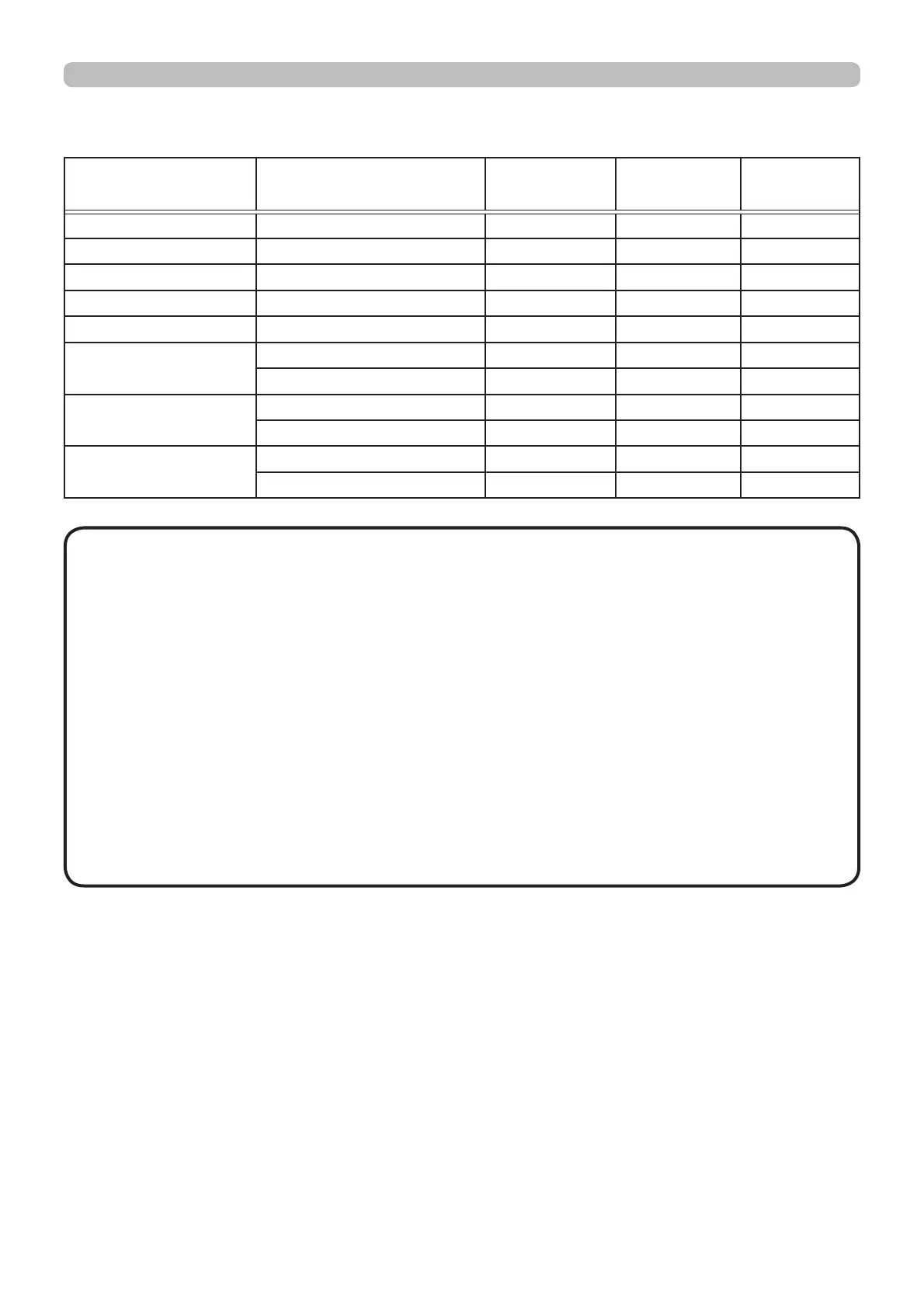
Supported signals for MHL
Resolution (H x V) Signal mode H. frequency
(kHz)
V. frequency
(Hz)
Rating
640 x 480 VGA (60Hz) 31.5 59.9 VESA
720(1440) x 480i 480i 15.7 60 CEA
720(1440) x 576i 576i 15.6 50 CEA
720 x 480p 480p 31.5 60 CEA
720 x 576p 576p 31.3 50 CEA
1280 x 720p 720p (50Hz) 37.5 50 CEA
720p (60Hz) 45 60 CEA
1920 x 1080i 1080i (50Hz) 28.1 50 CEA
1080i (60Hz) 33.8 60 CEA
1920 x 1080p 1080p (50Hz) 56.3 50 CEA
1080p (60Hz) 67.5 60 CEA



 To Next Page