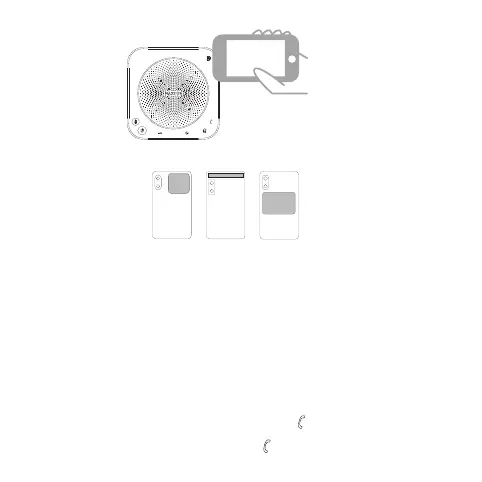
The following picture shows the location of the mobile phone NFC tag
10
6. Instructions
★ Turn on/off the device
Press and hold the power button for 2 seconds to turn it on or off.
★ Answer/hang up calls (only available via Bluetooth
connection to mobile phone or PC running Microsoft
Teams)
(1) When there is an incoming call, press the“ ”key to answer the call.
(2) When it is in calling state, press the“ ”key to hang up the call.



 To Next Page