UC S10 + BM 21 Setup
BM 21 Audio Cable
The BM 21 Speakerphone from MAXHUB, can be used as stand-alone Speakerphone device, or can be
connected to the UC S10, via the BT-Dongle, which is included in the box of the BM 21!
! Only works if you use the UC S10 in ANDROID mode, no USB cable connected !
! Please first connect the BM 21 BT Dongle to the UC S10 before turning power on !
It can connect either via Bluetooth, USB Cable or Audio cable and can be used for up to 8 hours in a
conference, thanks to its integrated battery. Charging the device works via USB cable or wireless, using
a 3
rd
party wireless charging device. Please see the manual for choosing the right product for wireless
charging! There is no setup needed, the unit works out of the box after charging it.
It contains 6-microphones with 360° pickup pattern and a centralized loudspeaker, which allow an
operating distance of up to 5 meters during a conference. For further description and technical data,
please refer to the Manual of the BM 21.
To setup the BM 21, to use it with the UC S10, simply insert the BT Dongle into the UC S10 USB port.
Turn on the UC S10 and then the BM 21. After the unit is ready, just push and hold the BT button for a
second, and it will connect with the UC S10 via Bluetooth.
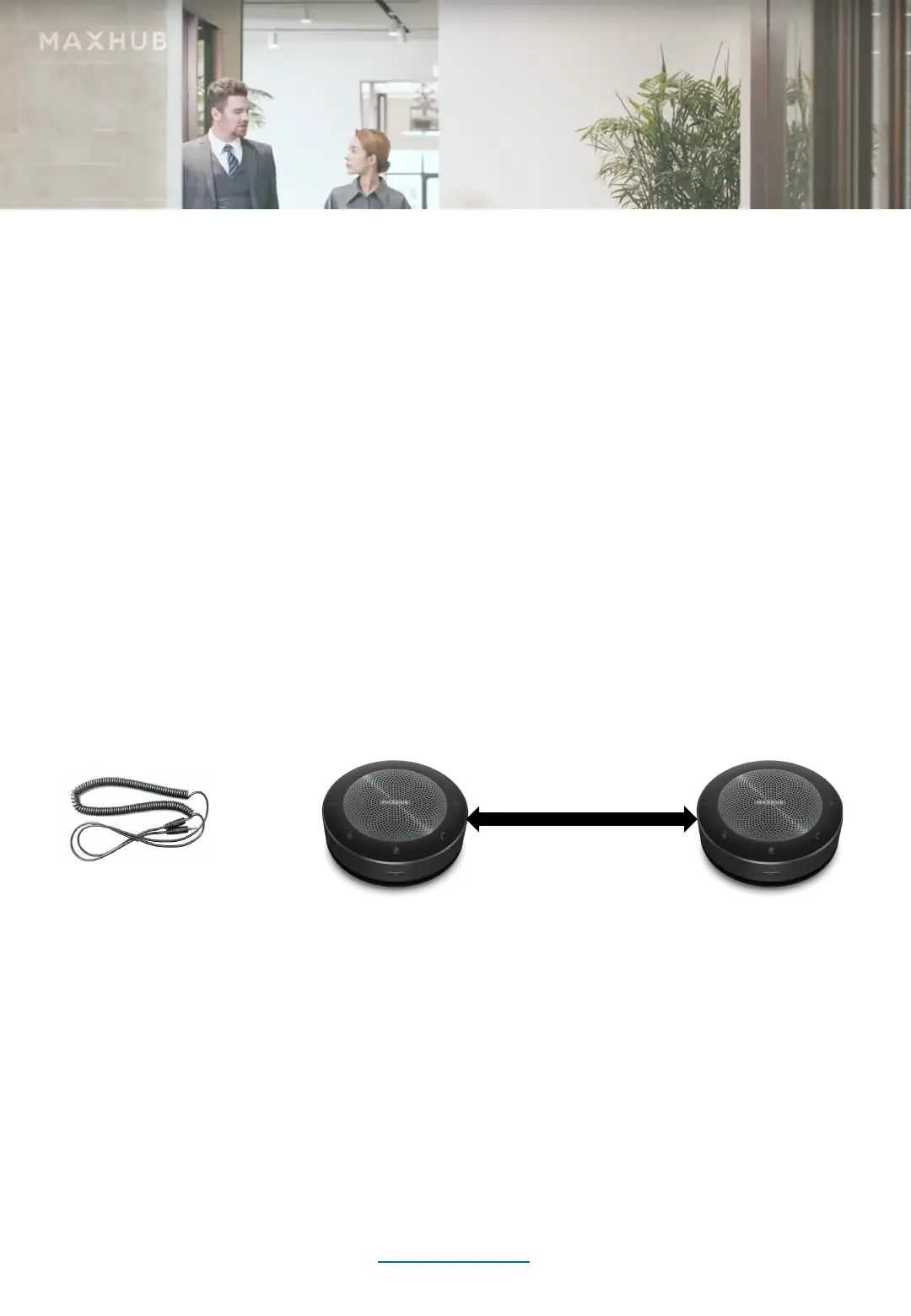
If you want to connect a second BM 21 for larger room applications, please ONLY use a special Audio
cable from MAXHUB.
The Audio cable needs to be ordered separately and connects the two BM 21 units. Then both units
will work as one, but only one of the units stays connected to the UC S10 via Bluetooth. Of course, you
can also use two BM 21 with the special Audio cable and connect one of them via USB cable to your
PC/Laptop. Please be aware, that the Microphones and the Loudspeaker of the UC S10 will NOT work,
while any BM 21 is connected, only the Camera will still be in use. But you can extend the room size
while doing this connection. If you have any further questions to the products or applications
mentioned, or any issues with the setup, please contact your MAXHUB sales or support agent in your
country.
Have fun with the MAXHUB products and a good success during your conferences!
your MAXHUB Team
www.maxhub.com
BM 21 Speakerphone


 To Previous Page
 Loading...



