Ventilation
Please ensure that the interactive flat panel is placed in an area with adequate ventilation
to allow for proper heat dissipation. It is recommended to leave a minimum of 10cm of space
on the left, right, and back of the device, and 20cm of space above it to ensure proper airflow
and optimal performance.
Earphone
When using the earphones, it is important to be aware that prolonged listening at high
volumes may cause temporary or permanent hearing loss. To prevent this, we strongly
recommend turning down the volume before inserting the earphones into your ears.
Energy Saving
Please note that pressing the power button briefly will not fully shut down the interactive flat
panel. Instead, it will enter standby mode, with only the screen turning o. To properly shut
down the device, press and hold the power button for approximately 3 seconds and confirm
the shut down command that appears on the center of the screen.
Notes for Cleaning
Please do not block or cover the heat vents on the back panel and do not spray liquids on the
device.
Power Switch Status Signs
“I” means power on, “O” means power o.
Maintenance
Please contact authorised reseller for maintenance or repairing.
Warranty Exclusions
MAXHUB does not warranty Products that match any one or few of the following descriptions:
(1) Product damages caused by violating the user manual.
(2) Hardware damages caused by improper setup.
(3) Product damages caused by unauthorised modification or maintenance.
(4) Product damages caused by using in an unsuitable environment.
(5) Product damages caused by abnormal external force.
(6) Product damages caused by natural disasters or other force majeure.
(7) Damaged Warranty Sticker.
(8) Unable to provide eective purchase certificate.
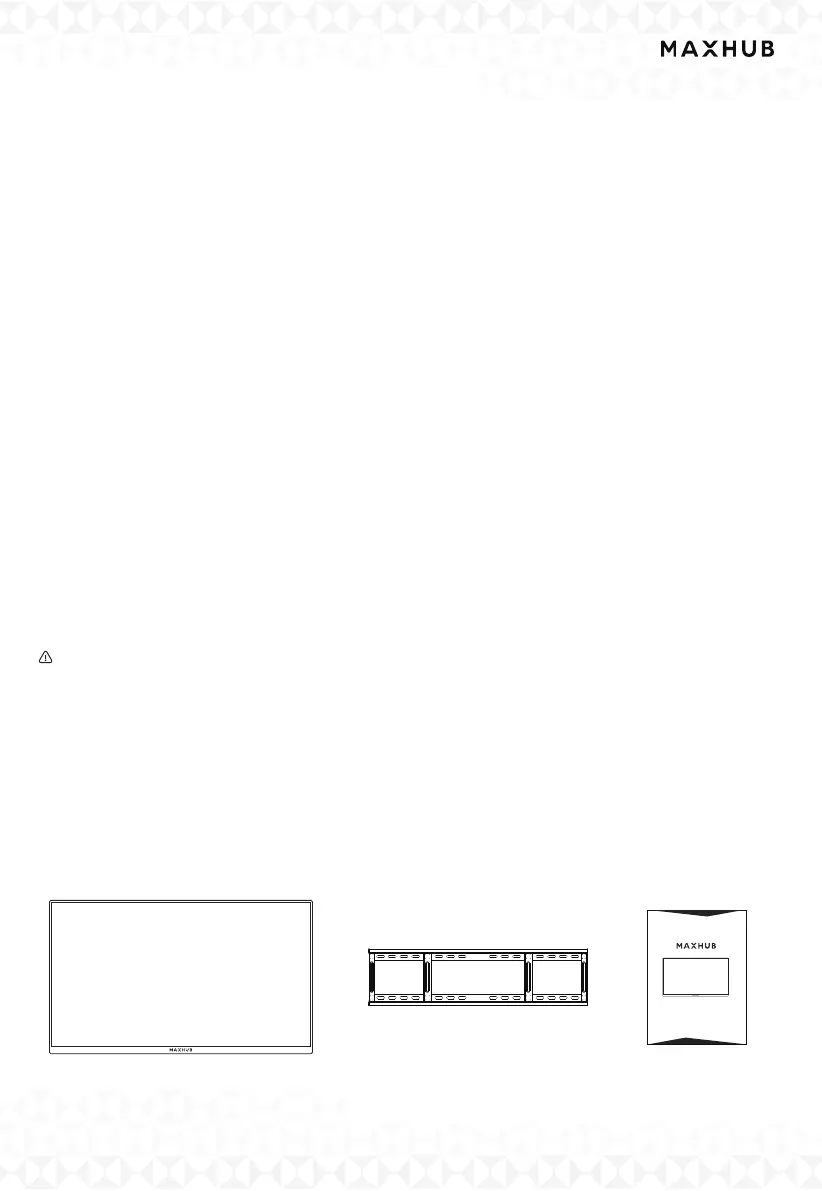
I. Unboxing Checklist
Wall Mounting Bracket ×1
Quick Star Guide×1
Interactive Flat Panel ×1
User Manual
Interactive Flat Panel


 To Next Page
 Loading...



