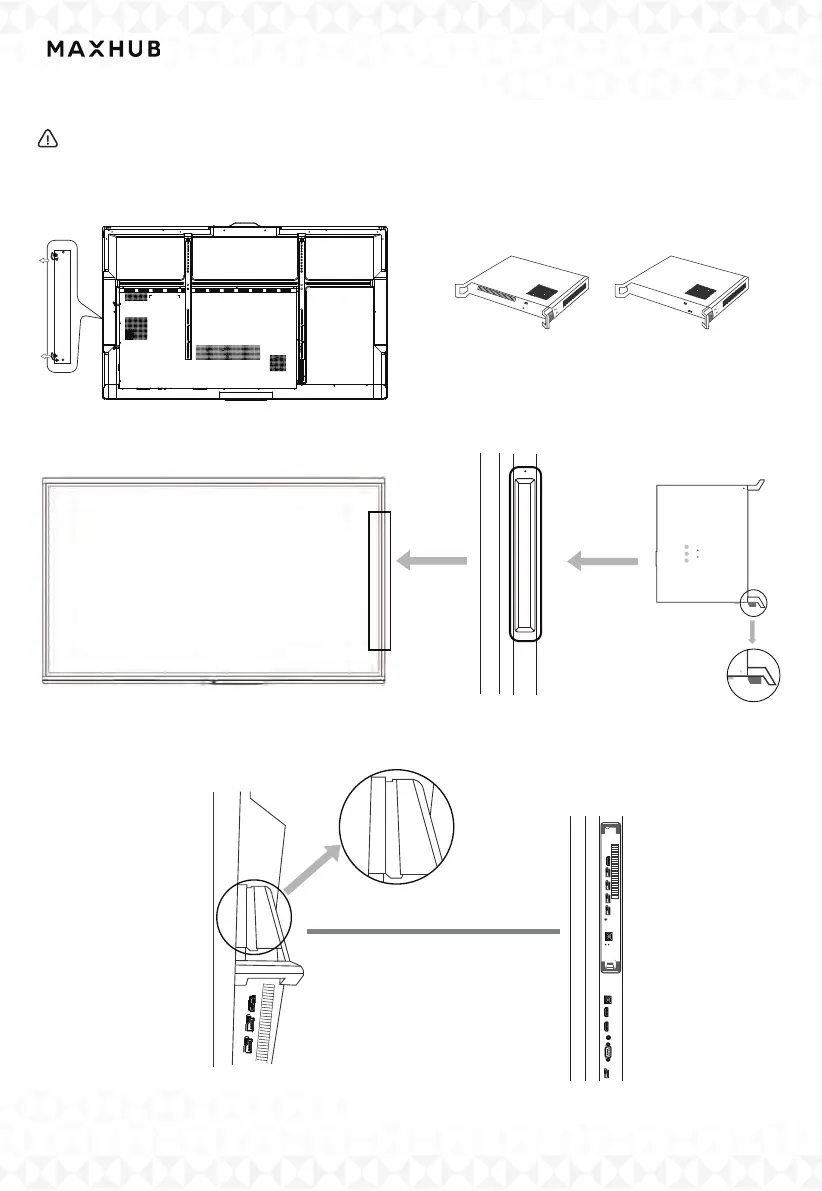
IV. Installing the PC module/Android Module
Please make sure the power cord of the Interactive Flat Panel is disconnected before
installation.
Step1: Unscrew and remove the cover.
Step 2: Prepare the PC module/
Android Module.
cover
PC module
Android Module
Step4: Installation of PC module/Android module..
Rail up
Insert the module
Step3: Unscrew and remove the cover.
Slot
Bottom
Up



 To Next Page