97
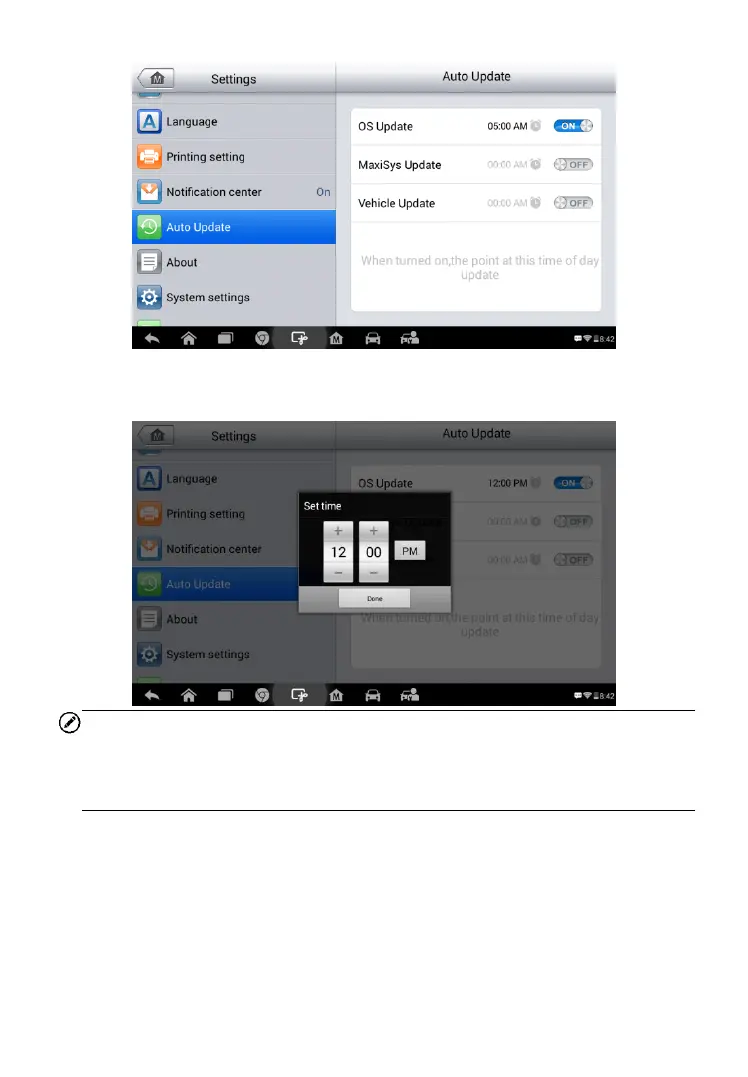
4. Tap on the time to set time, you can use the + and – button or tap
on the numbers then the manual input screen will pop up. Tap Done
to complete the time setting.
NOTE
Internet connection is necessary for auto update, otherwise it would not work
even if you have already switch it on. Make sure the tool is connected to the
Internet for the time you have set.



 To Next Page