12
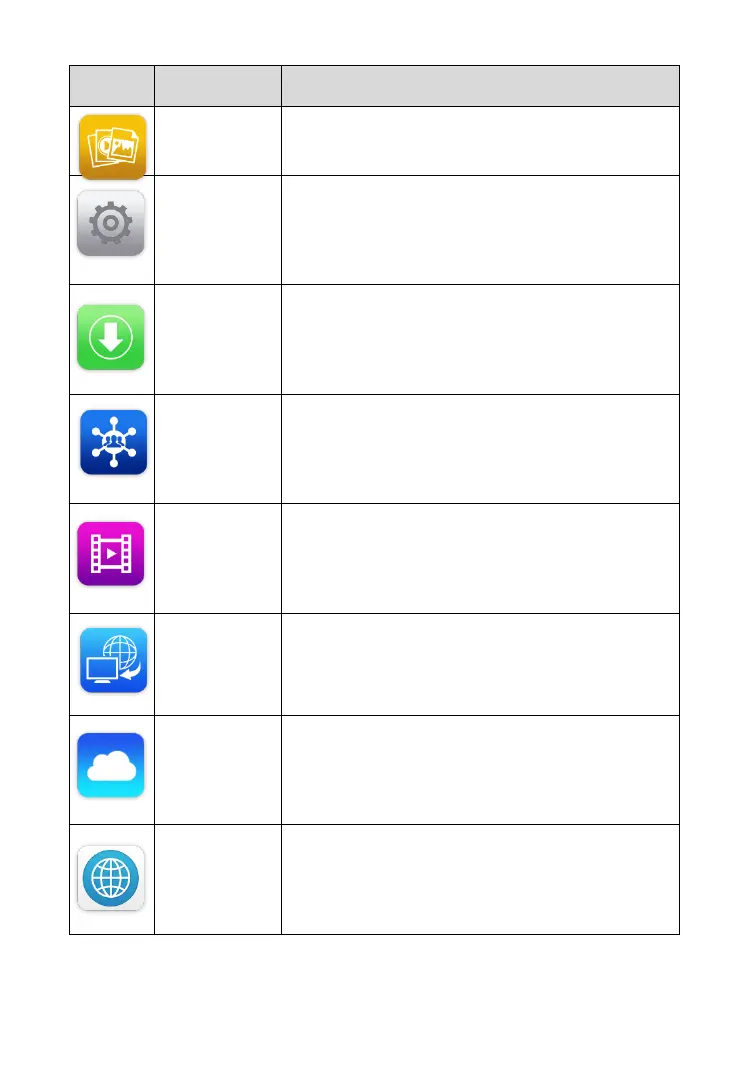
Opens the organization system for saved data
files. See 错误!表格结果无效。 on page 88.
Allows you to set the MaxiSys system settings,
and to view the general information about the
Display Tablet. See 9 Settings Operations on
page 93.
Checks for the latest update available for the
MaxiSys system, and performs updating
procedures. See 10 Update Operations on
page 99.
Launches the Support platform which
synchronizes Autel’s on-line service base
station with the MaxiSys tablet. See 11Support
Operations on page 102.
Allows you to store and play technical tutorial
and training videos about the device usage or
vehicle diagnostic techniques. See 12 Training
Operations on page 112.
Configures your unit to receive remote support
using the TeamViewer application program.
See 13 Remote Desk Operations on page 114.
Launches the MaxiFix platform which provides
the most compatible and abundant repair
techniques and diagnostics database. See 错
误!表格结果无效。 on page 69.
Provides associated website bookmarks to
allow quick access to product update, service,
support and other information. See 14 Quick
Link Operations on page 116.



 To Next Page