44
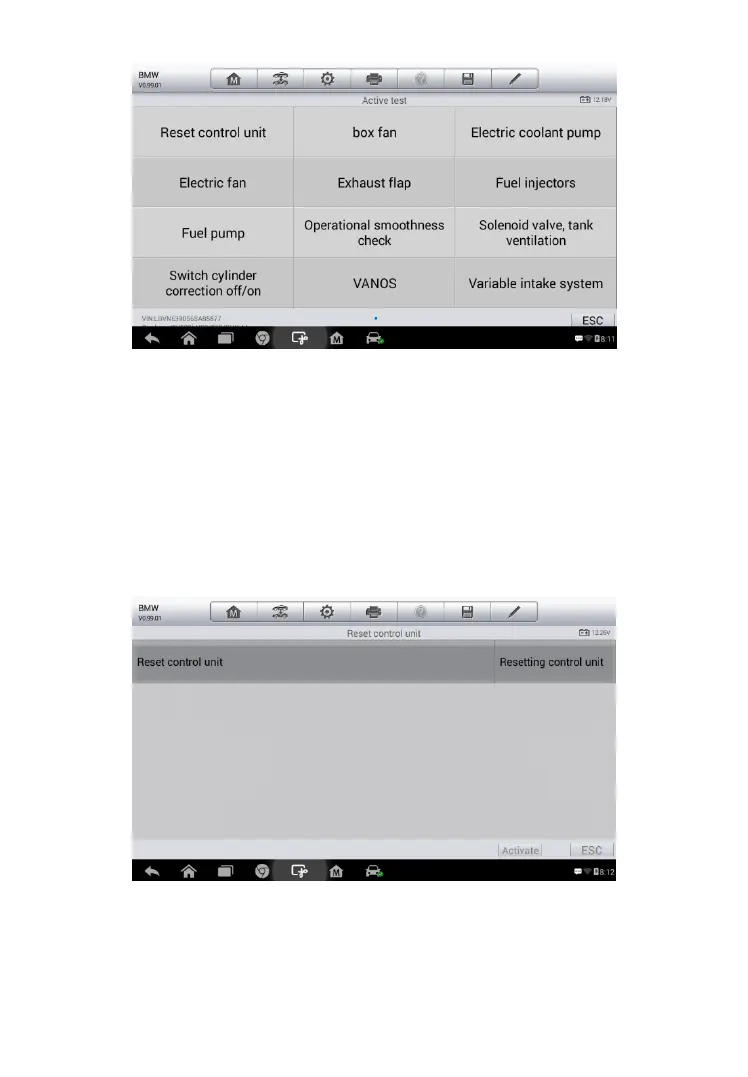
The functional buttons at the lower right corner of the Active Test screen
manipulate the test signals. The operational instructions are displayed on the
main section of the test screen. Simply follow the on-screen instructions and
make appropriate selections to complete the tests. Each time when an
operation is successfully executed, message such as “Command Finished”,
“Activation Successful”, or something similar displays.
Tap the ESC functional button to exit the test when finished.
Figure 4-15 Sample Active Test Menu
Figure 4-10-2 Sample Active Test Operation Screen



 To Next Page