57
1) Tap Continue to proceed this service function or the Back button at the
bottom left to exit.
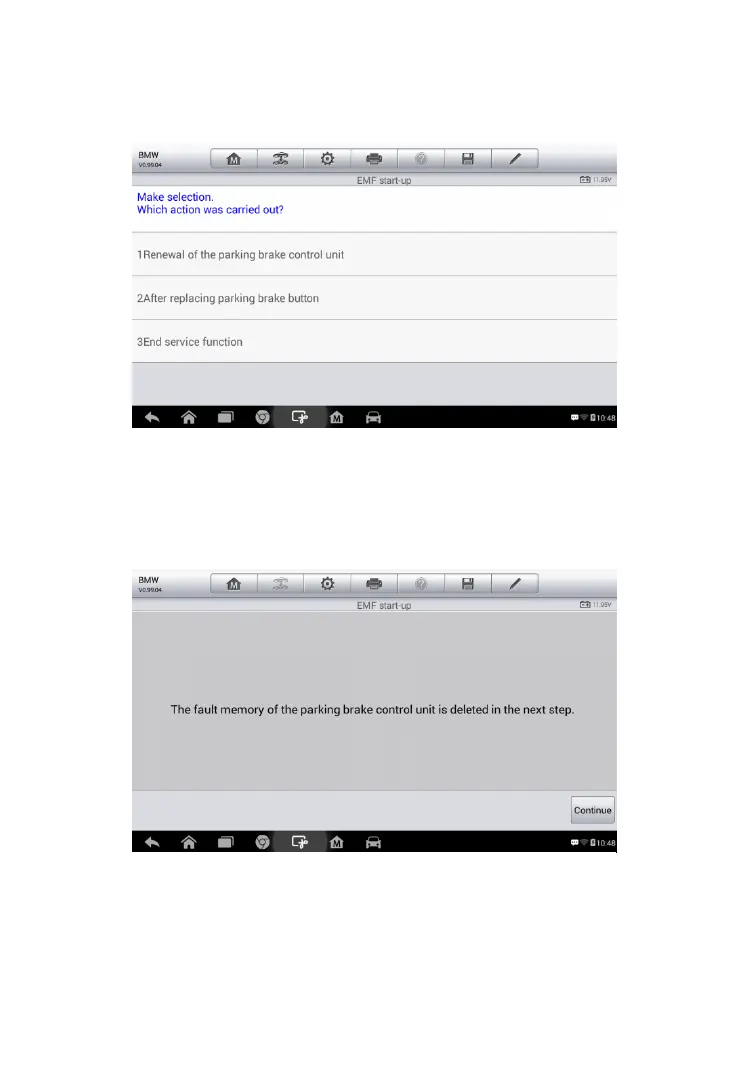
2) Tap on the action that has been carried out to continue.
3) In the following step, the screen will remind you that the fault memory of
the parking brake control unit will be deleted, press Continue to proceed
or the Back button to exit.
4) Follow the on-screen instructions to pull the parking brake button and
wait for around 3 seconds until the parking brake is set. When the
operation is successfully completed, a “Completed successfully”
Figure 5-0-3 Sample EMF Star-up Screen 2
Figure 5-0-4 Sample EMF Star-up Screen 3



 To Next Page