84
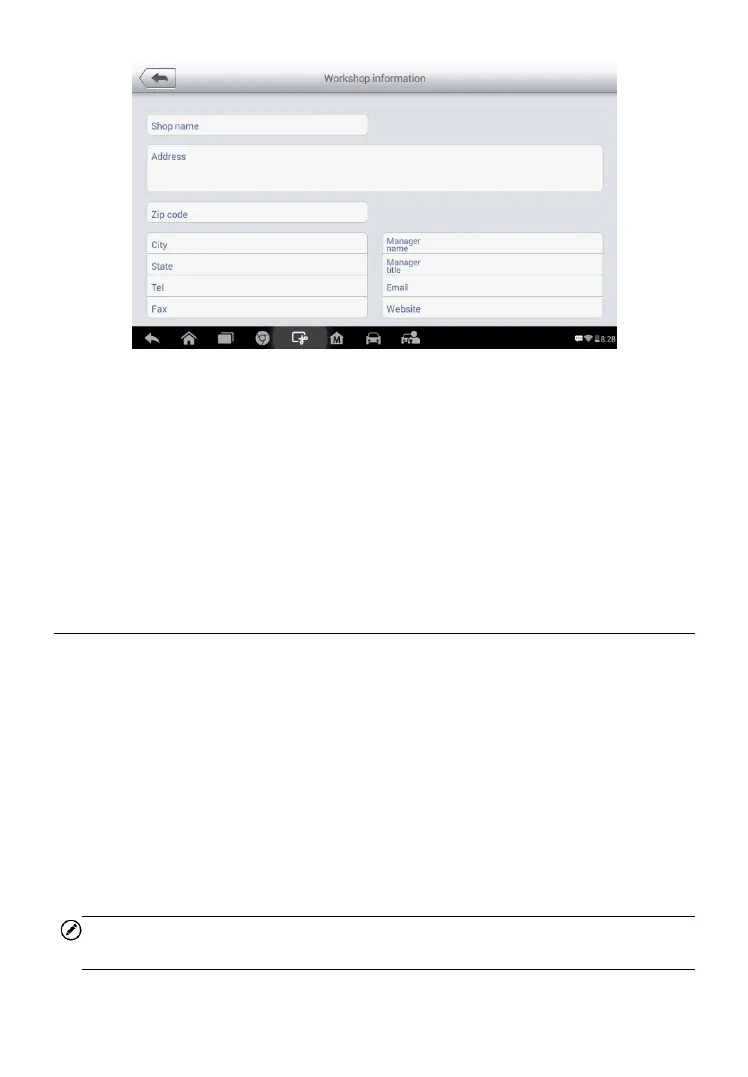
Figure 5-0-9 Sample Workshop Information Sheet
To edit the Workshop Information sheet
1. Tap the Shop Manager application on the MaxiSys Job Menu.
2. Select Workshop Information.
3. Tap the Edit button on the top toolbar.
4. Tap on each field to input the appropriate information.
5. Tap Done to save the updated workshop information sheet, or tap
Cancel to exit without saving.
Customer Manager
The Customer Manager function allows you to create and edit customer
accounts. It helps you to save and organize all customer information accounts
that are correlated with the associated test vehicle history records, which is a
great support for the arrangement of daily workshop business.
To create a customer account
1. Tap the Shop Manager application on the MaxiSys Job Menu.
2. Select Customer Manager.
3. Tap the Add Account button. An empty information form displays,
tap each field to input the appropriate information.
NOTE
The items that must be filled are indicated as required fields.



 To Next Page