87
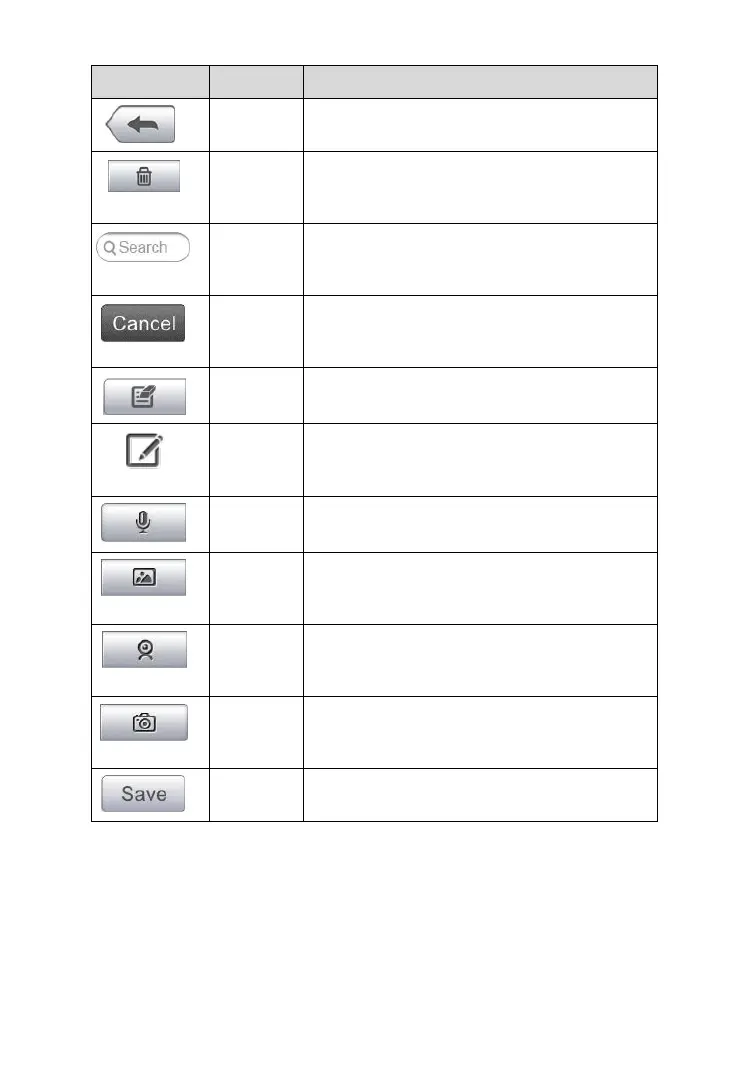
Returns to the previous screen.
Touching this button deletes the selected
note.
Quickly locates the required note by
entering the note title.
Touching this button to cancel edit or file
search.
Touching this button opens an edit window
allowing you to edit notes and attach files.
Touching this button to add new note in
History Notes.
Performs audio recording and creates
audio files.
Opens the image file for selection, and
adds the selected photos to History Notes.
Records a video and adds the file to
History Notes.
Takes photos and adds the files to History
Notes.
To add a note in History Notes
1. Access History Notes.
2. Tap the Add Notes button. An edit window displays.
3. Tap on the Title bar to input a note title.
4. Tap on the blank space below to edit a text note or remark.



 To Next Page