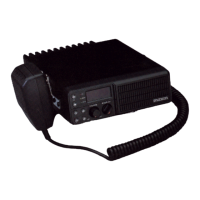
Power ON / OFF Volume Switch & Squelch Control
Press and hold the knob over 2 seconds to turn the mobile radio on and off.
Rotate to adjust the volume level from 1 to 16. Turn it clockwise to increase the volume and
counterclockwise to decrease the volume.
When the knob is pushed less than 2 seconds, Squelch can be changed.
4. Controls & Keys
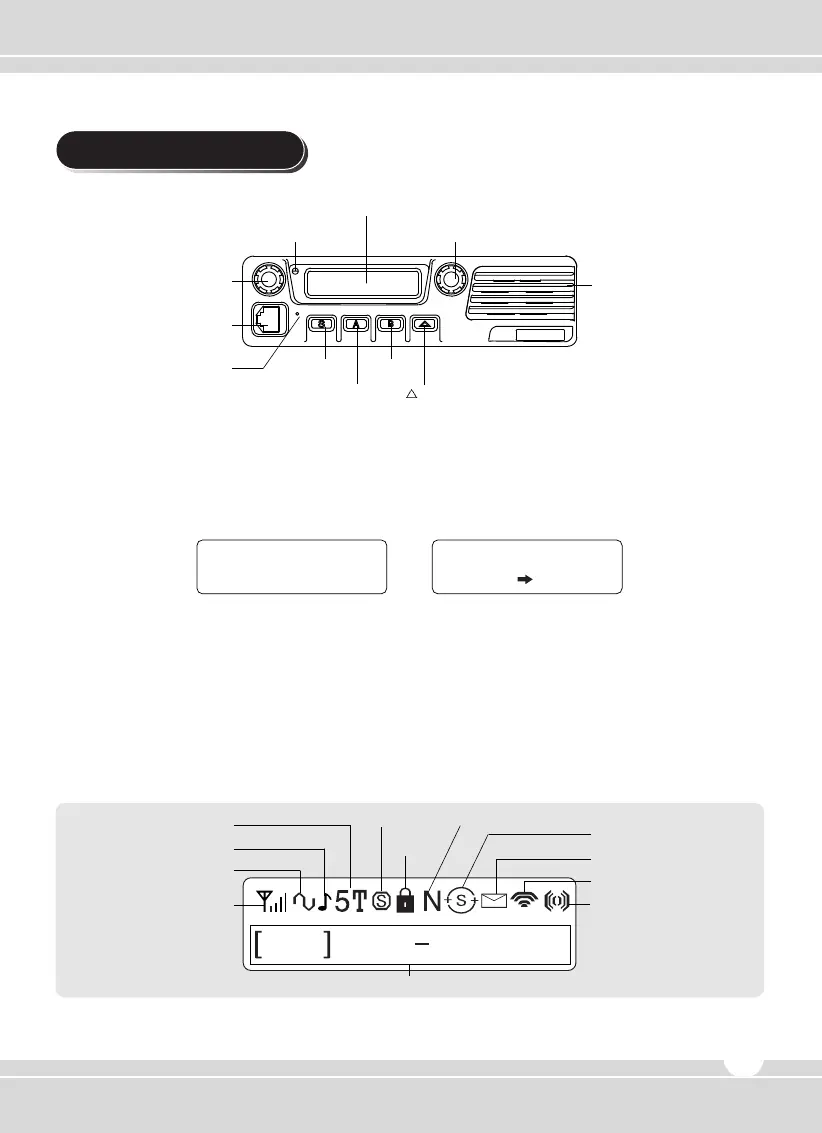
Figure 5-1) TM-2102 / TM-2402 / TM-8102 / TM-8402 Front Panel
Speaker
MIC Jack
Emergency MIC
TX/RX Status LED
Power ON/OFF
Volume Switch
S Key
A Key
B Key
Key
Channel UP/DOWN Selection / Group Selection
Display
128 x 32 Dots Graphic LCD. Each icon indicates related operation.
Figure 5-2) TM-2000 / TM-8000 Series LCD Indicator
RSSI
Display
Channel & Status Display
CTCSS/DCS
Alert ON/OFF
2/5 TONE
Scramble Narrow/Wide
Key Lock
Compander
RF Power Level
Status
Scan
www.maxonamerica.com
7
Display


 To Next Page