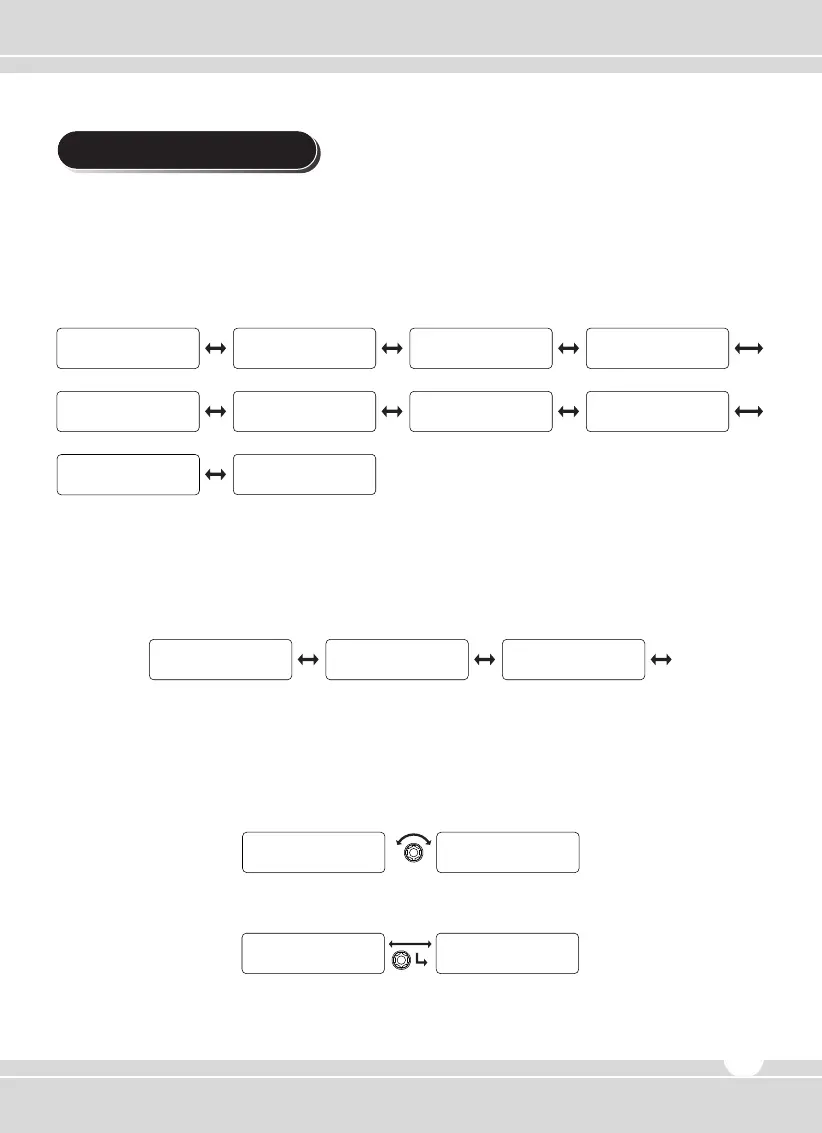
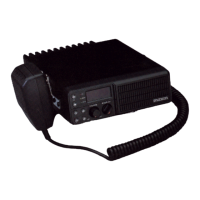
To enter the menu, press and hold the channel selector knob for 2 seconds. The menu consists of
10 main menus along with various sub-menus. The main menu has a list such as SCAN,
ID ANI, Message, Status Setting, Utility, Vehicle, Sound/Tone, RPT/ Talk Ad, GPS Setting,
Firmware Ver. and are selected by the rotation of the right knob. To execute a function press the
knob in.
5.1 SCAN Setting
Consists of three sub-menus of List, Priority Use, and Priority List. The selection is made available
by rotating the right knob and activate by pushing the knob in.
1) List
① The channel list of group and whether the channel is in the scan is displayed as Yes or No. To
move among channels, rotate the right knob.
② Press the right knob to select Yes or No.
③ To return to upper menu, press the red button.
5. Menu Description
Main Menu Procedure
Scan sub-menu procedure
Scan ID ANI Message Status
Utility Vehicle
Firmware Ver.#
Sound/Tone Rpt/Talk Arnd
GPS
L i s t P r i o r i t y Use P r i o r i t y L i s t
Scan Scan Scan
Team 1 Team 2 YESYES
L i s t L i s t
Team 1 Team 2 NoYes
L i s t L i s t
(Optional)
(N/A)
www.maxonamerica.com
15


 To Next Page