2) Priority Use
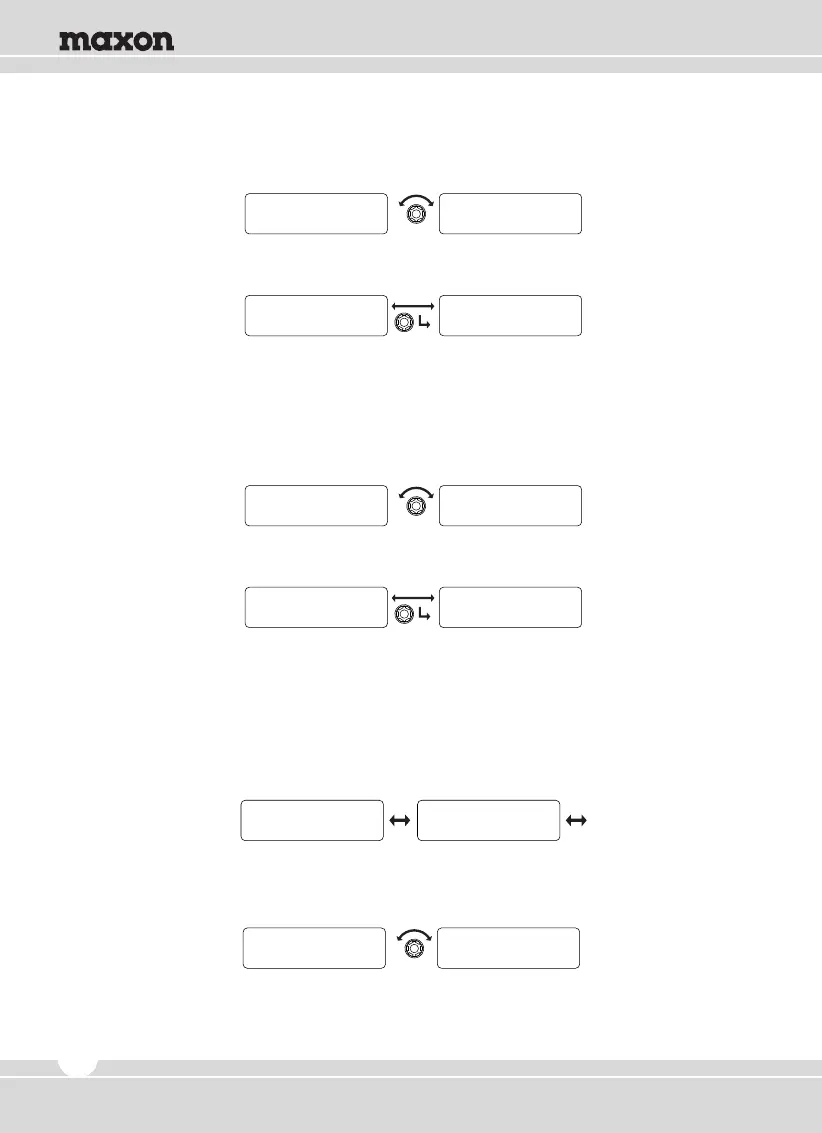
① Rotate the right selector knob to change Yes/No.
② Push the right selector knob to set, Back to upper menu.
③ To return to upper menu, press the red button.
3) Priority List
① The channel list in the group and whether the channel is set as priority is displayed as the sign
of Yes or No. To change channel in the list, rotate the right knob.
② Rotate the right selector knob to change Yes/No.
③ To return to upper menu, press the red button.
5.2 ID ANI Setting
Consists of sub-menu of DTMF & Selcall. The selection is made by rotating the right knob and
activate by pushing the knob in.
Y E S N O
P r i o r i t y Use P r i o r i t y Use
Y E S P r i o r i t y Use
P r i o r i t y Use Scan
Team 1 Team 2 YESYES
P r i o r i t y L i s t P r i o r i t y L i s t
Team 1 Team 1 NoYES
P r i o r i t y L i s t P r i o r i t y L i s t
DTMF SELCALL
ID ANI ID ANI
1) DTMF
① Rotate the right selector knob to select Yes or No.
16


 To Next Page