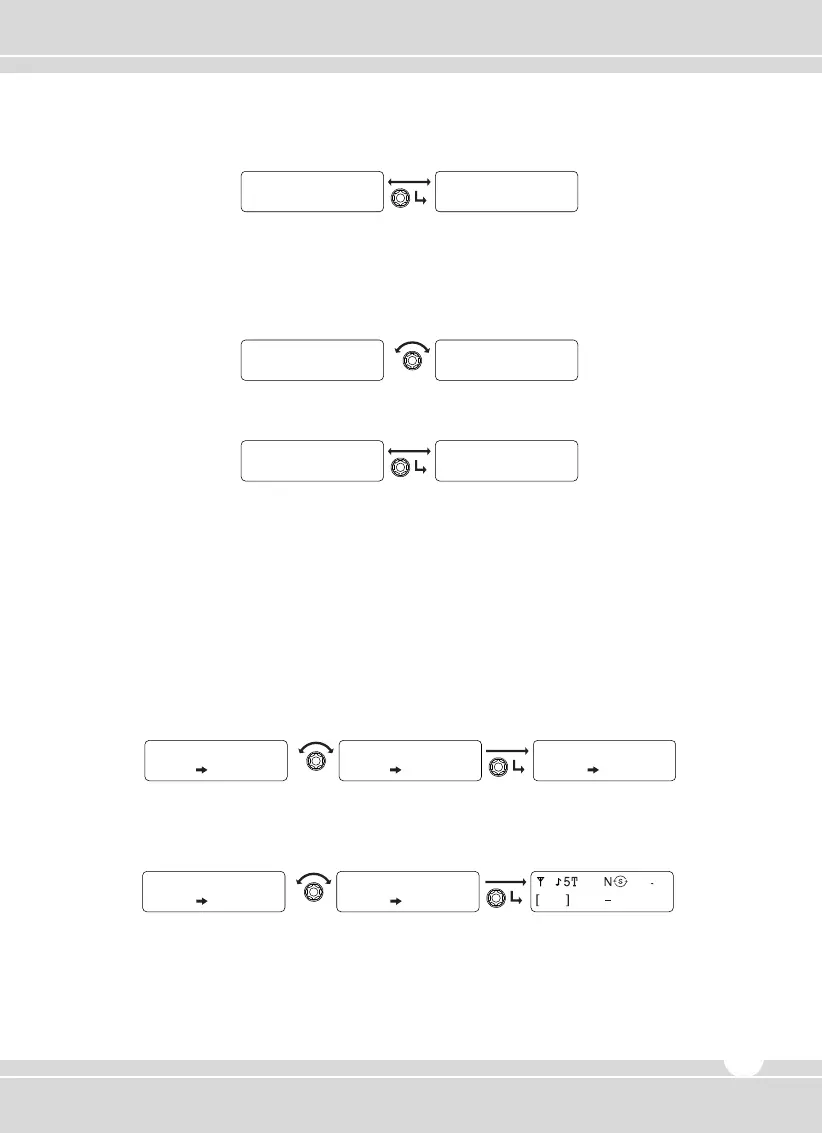
② Press the knob to set.
③ To return to upper menu, press the red button.
2) SelCall
① Rotate the right selector knob to select Yes or No.
② Press the knob to set.
③ To return to upper menu, press the red button.
5.3 Status Setting
Consists of two modes similar to “Send” or “Receive Check”; pre-programmed status is sent to the
ID to the channel receiving. And the receiving message can be checked. (Refer to menu table).
1) Send
① Display pre-programmed Status. Rotate the right selector knob to select a status to be sent,
and press the knob to set.
② Rotate the right selector knob to select the ID which you wanted to send the status, and
press the knob to set.
③ After automatically getting out of the menu, the radio sends the status, with the receiver’s ID
and a sender’s ID accordingly.
STATE L i s t e n
S t a t u s L i s t
STATE Meeting
S t a t u s L i s t
Send t o
DT NM
GUARDROOM
Sand to Sand to
DT NM
GUARDROOM
DT NM
GUARDROOM
001
CH 001
Y E S SELCALL
SELCALL ID ANI
www.maxonamerica.com
17


 To Next Page