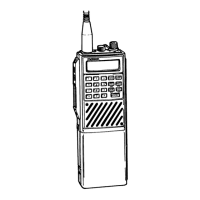
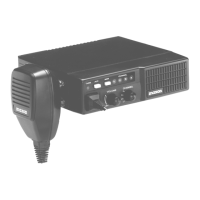
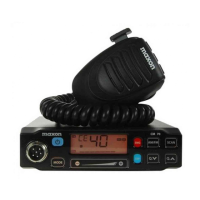
2) Receive Check
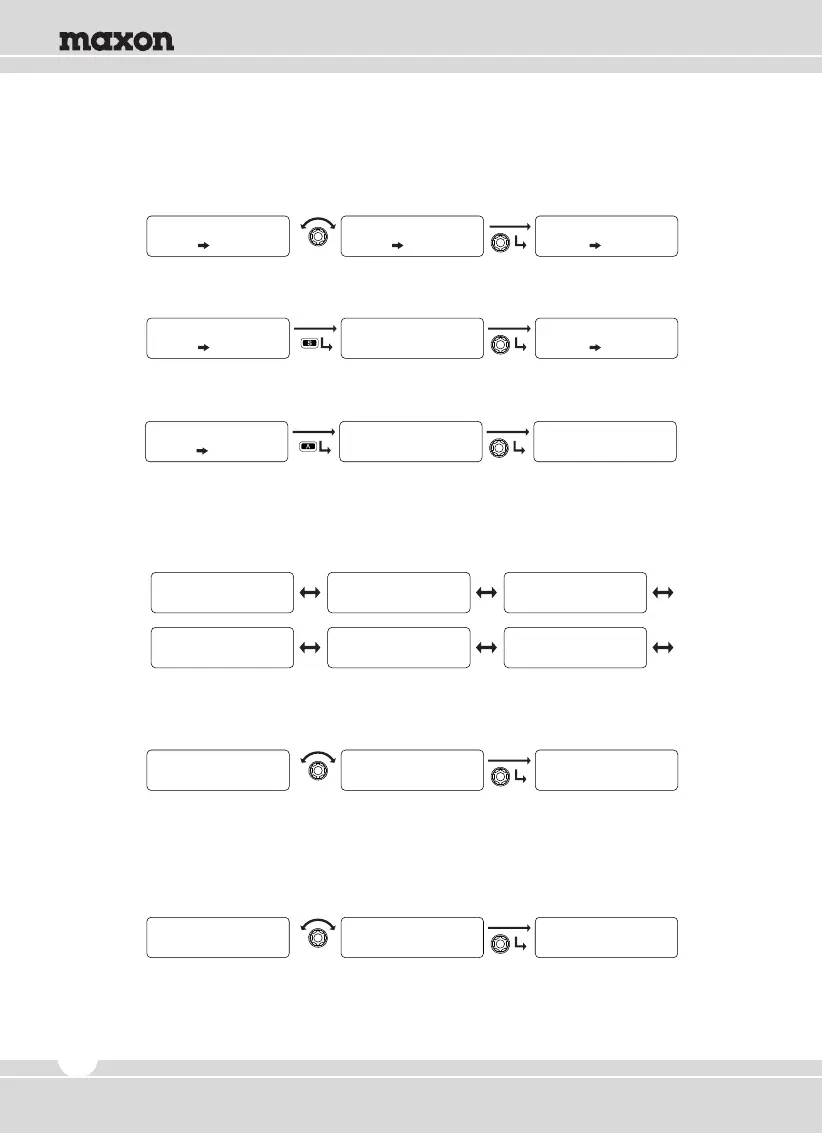
① Rotate the right selector knob to select the received status for reading, and press the
knob to check the sender’s ID.
② To remove the received status, press the “S” button.
③ To erase all of the received status, press the “A” button and select Yes.
5.4 Utility Setting
Consists of six sub-menus of RF Power, Lone Worker, Scramble, LCD Contrast, Big Font, and
Password. Rotate the right selector knob to select and press the knob to set.
1) RF Power
① Rotate the right selector knob to select one of the 4 power levels, and press the knob to set.
② To return to the upper menu, press the red button.
.
2) Lone Worker
① Rotate the right selector knob to select and press the knob to set.
② To return to upper menu, press the red button.
STATE L i s t
RX S t a t u s L i s t
STATE Meeting
RX S t a t u s L i s t
f r o m
e n
DT NM
GUARDROOM
STATE L i s t
RX S t a t u s L i s t
D e l e t e S t a t u s !
f r o m
e n
DT NM
GUARDROOM
STATE L i s t
RX S t a t u s L i s t
Y E S
ALL DELETE ?
e n
D e l e t e S t a t u s !
RF Power Lone Worker Scramble
U t i l i t y U t i l i t y U t i l i t y
Lcd Contrast Big Font Password
U t i l i t y U t i l i t y U t i l i t y
1
RF Power
2
RF Power
U t i l i t y
RF Power
Y E S
Lone Worker
N O
Lone Worker
U t i l i t y
Lone Worker
18


 To Next Page