*This function can be selected only when GPS is installed.
Channel Up
Channel Down
Monitor ON/OFF
Key lock ON/OFF
Scan Mode
Selcall Mode
TX Power Change
Emergency
DTMF ON/OFF
Horn Alert ON/OFF
Public Address ON/OFF
Talk Around ON/OFF
Fast Channel Mode
TOT ON/OFF
BCL ON/OFF
Scramble ON/OFF
Compander ON/OFF
TX Inhibit ON/OFF
Key Tone ON/OFF
TX Alert ON/OFF
*GPS ON/OFF
Menu
DTMF Buffer Clear
Scan Add/Remove
Status Send
Staus Receive Check
DTMF One Time Send
Voting Mode
Squelch Change
Group Charge
4.2 Operations of the radio-Contact your Dealer for information or
assistance with these operations.
Power ON / OFF with Password Protection
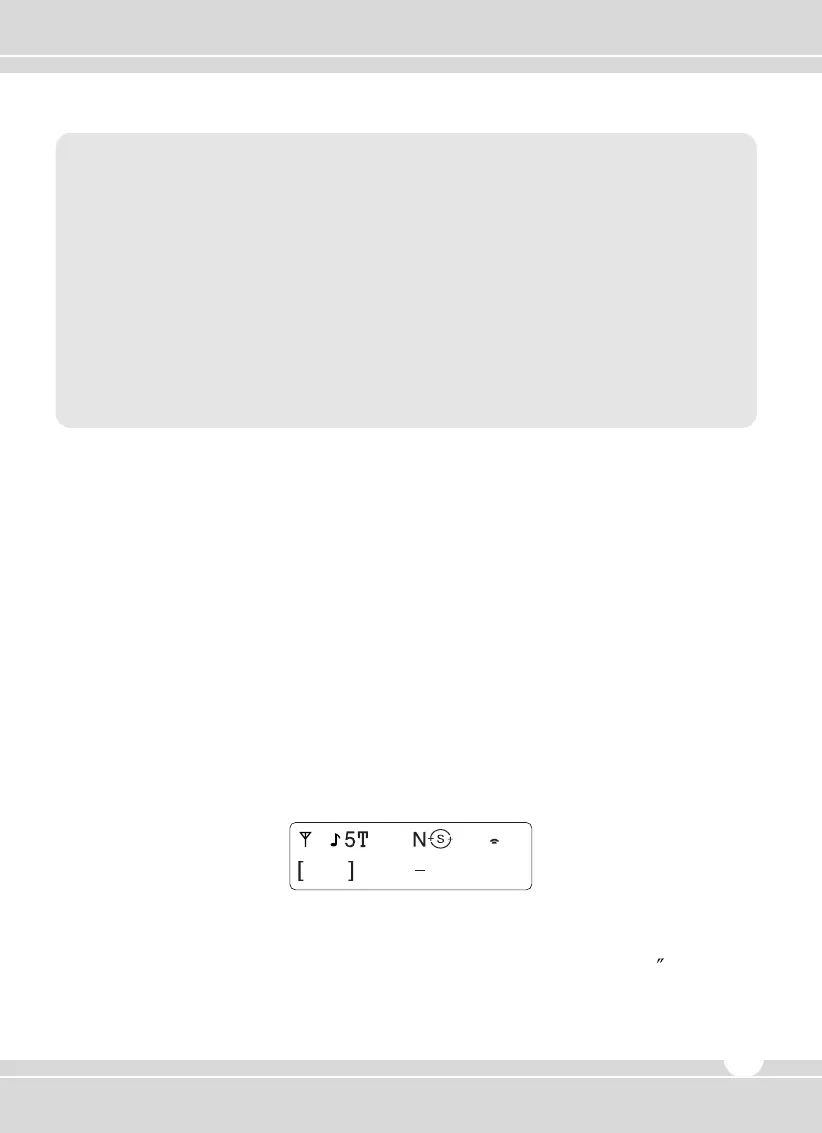
If the radio is protected with a password, “PASSWORD INPUT” will appear on the display when
power is initialized. To unlock the radio, enter the correct password.
1. Choose a number by rotating the channel selector.
2. Press the channel selector to input the number.
3. Repeat steps 1 and 2 to enter the whole password.
If no key is pressed within 10 seconds, the radio will return to the password protect state.
4. Press the channel selector for more than 1 second to complete the entry.
Transmitting
1. Choose the wanted group and a channel.
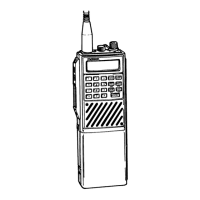
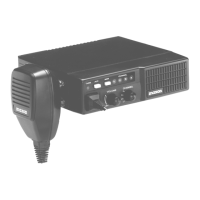
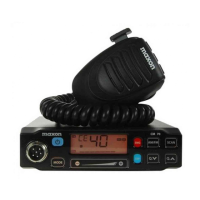
2. Press and hold the PTT switch, then speak into the microphone.
For best sound quality at the receiving radio, hold the microphone approximately 1
(5~10cm)
while speaking into the microphone.
3. Release the PTT to receive.
4. When communication is completed, return the microphone to its hanger.
www.maxonamerica.com
9


 To Next Page