11
After Sales Support
UK/N.IRELAND HELPLINE N
O
:
REP.IRELAND HELPLINE N
O
:
WEBSITE:
EMAIL:
01270 508538
1800 995 036
www.quesh.co.uk
enquiries@quesh.co.uk
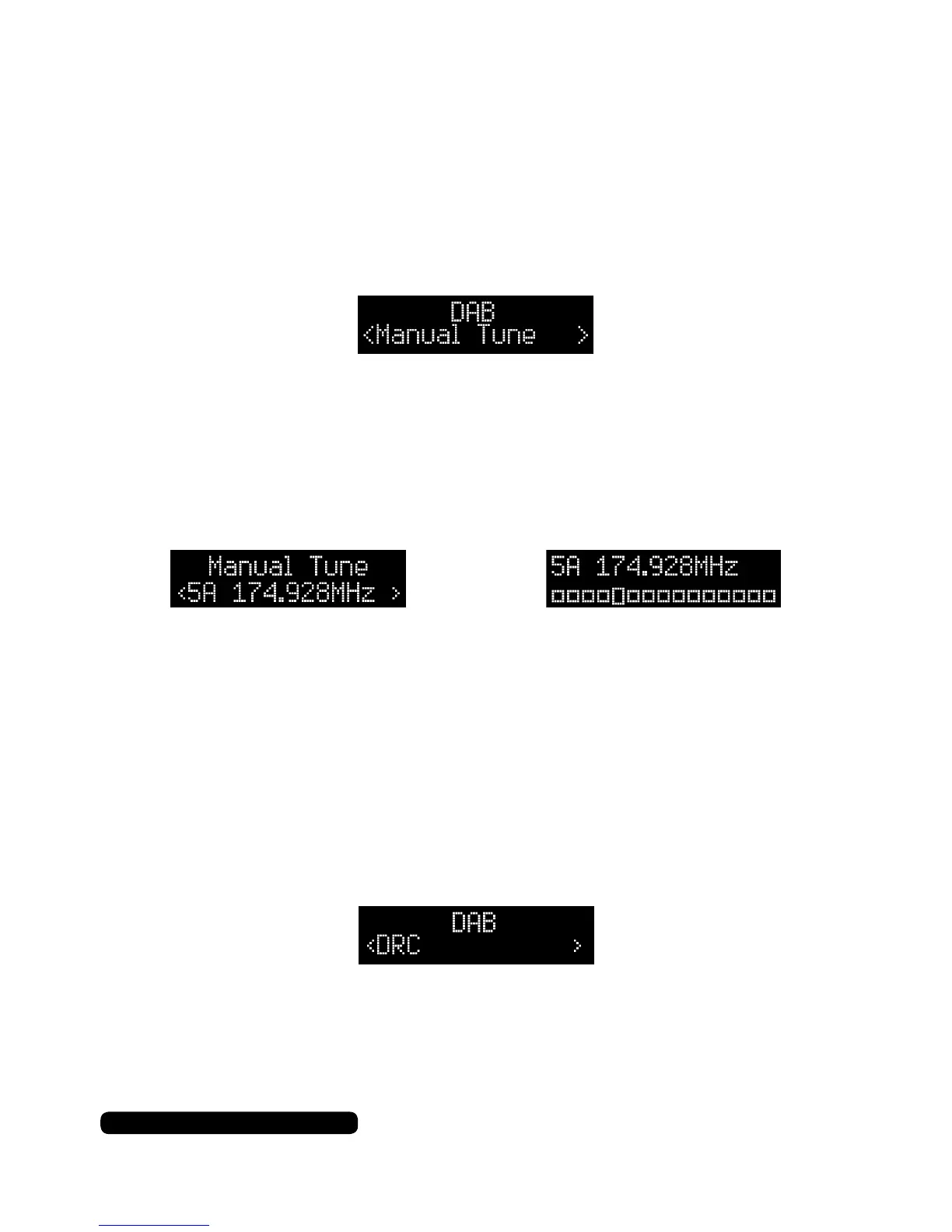
Manual Tune
Press the ‘Menu’ button to enter the DAB menu. The rst option will
be ‘Full Scan’, press the tune +/- button to cycle through the menu to
‘Manual Tune’, then press the dial to access the manual tune
options.
Press the tune +/- button to nd a channel to tune and press the
dial to start ne tuning the frequency in. Press the tune +/- button
to change the tuning manually, then press the dial once the signal is
clear. This can help to clear poor signal. You can save the frequency
as a preset as directed on page 9, Preset Store.
Press the ‘Menu’ button to return to the radio.
DAB
DRC
DRC or Dynamic Range Compression is a feature that some DAB
stations use to even out the audio levels between quiet and loud
segments of a broadcast.
Press the ‘Menu’ button to enter the DAB menu. The rst option will
be ‘Full Scan’, press the tune +/- button to cycle through the menu
to ‘DRC’, then press the dial to select the feature.
Choose between Off, High and Low options by pressing the tune
+/- button to cycle through the options and the dial to conrm your
chosen option. The asterisk in the top right indicates the current
selected option in use. Press the ‘Menu’ button to return to the radio.



 To Next Page