12
After Sales Support
UK/N.IRELAND HELPLINE N
O
:
REP.IRELAND HELPLINE N
O
:
WEBSITE:
EMAIL:
01270 508538
1800 995 036
www.quesh.co.uk
enquiries@quesh.co.uk
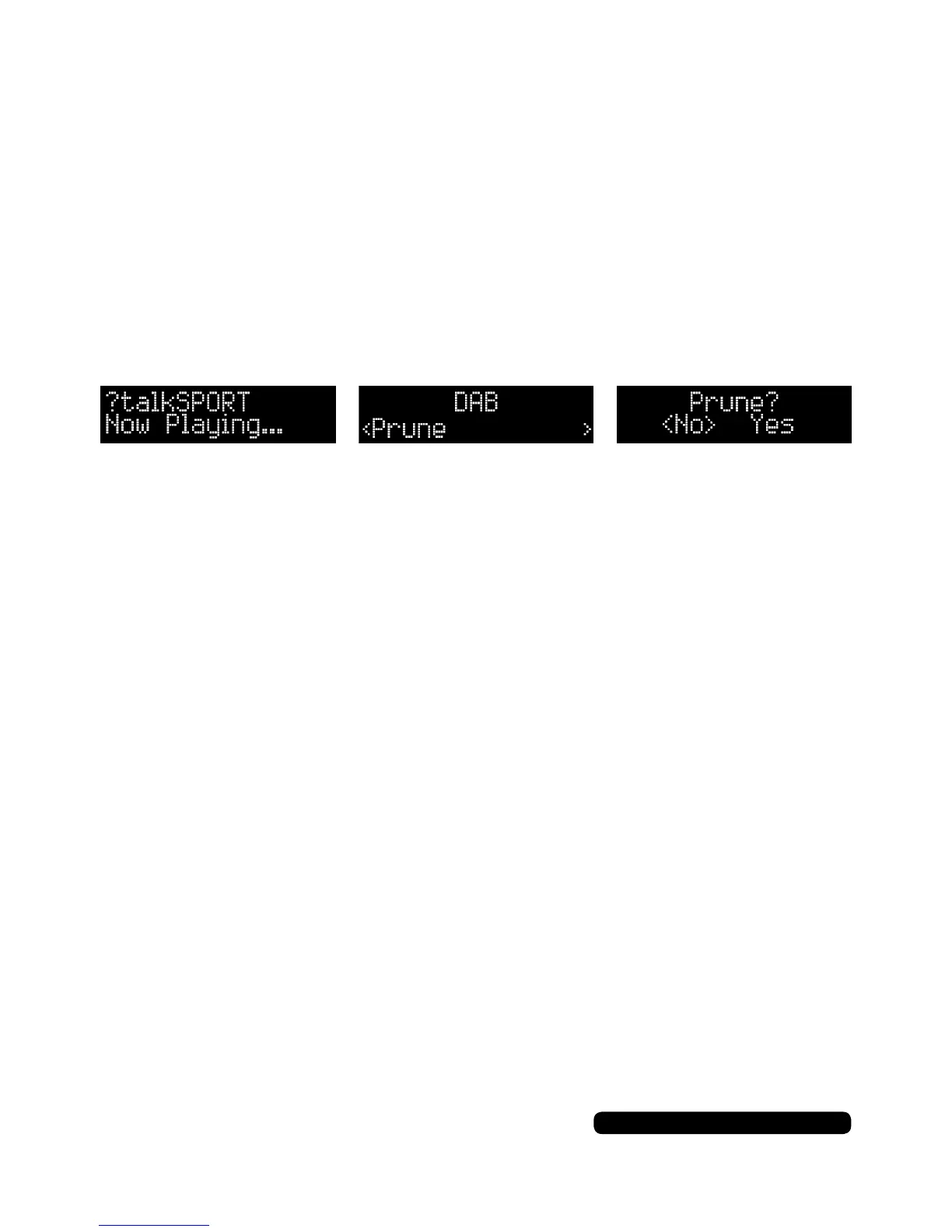
Prune
You can remove any station from the station list that is marked with
a ‘?’ in front of the name listing.
To delete a station, connect the radio to the required ‘?’ listed station
so it is active (Tune In A Station - Page 8).
Press the ‘Menu’ button to enter the DAB menu. The rst option will
be ‘Full Scan’, press the tune +/- button to cycle through the menu
to ‘Prune’, then press the dial to select the feature.
Use the tune +/- button to change between the options of ‘Yes’ and
‘No’, then press the dial to conrm the action. Press the ‘Menu’
button to return to the radio.
DAB
System
Please see page 16.



 To Next Page