9
After Sales Support
UK/N.IRELAND HELPLINE N
O
:
REP.IRELAND HELPLINE N
O
:
WEBSITE:
EMAIL:
01270 508538
1800 995 036
www.quesh.co.uk
enquiries@quesh.co.uk
App Features
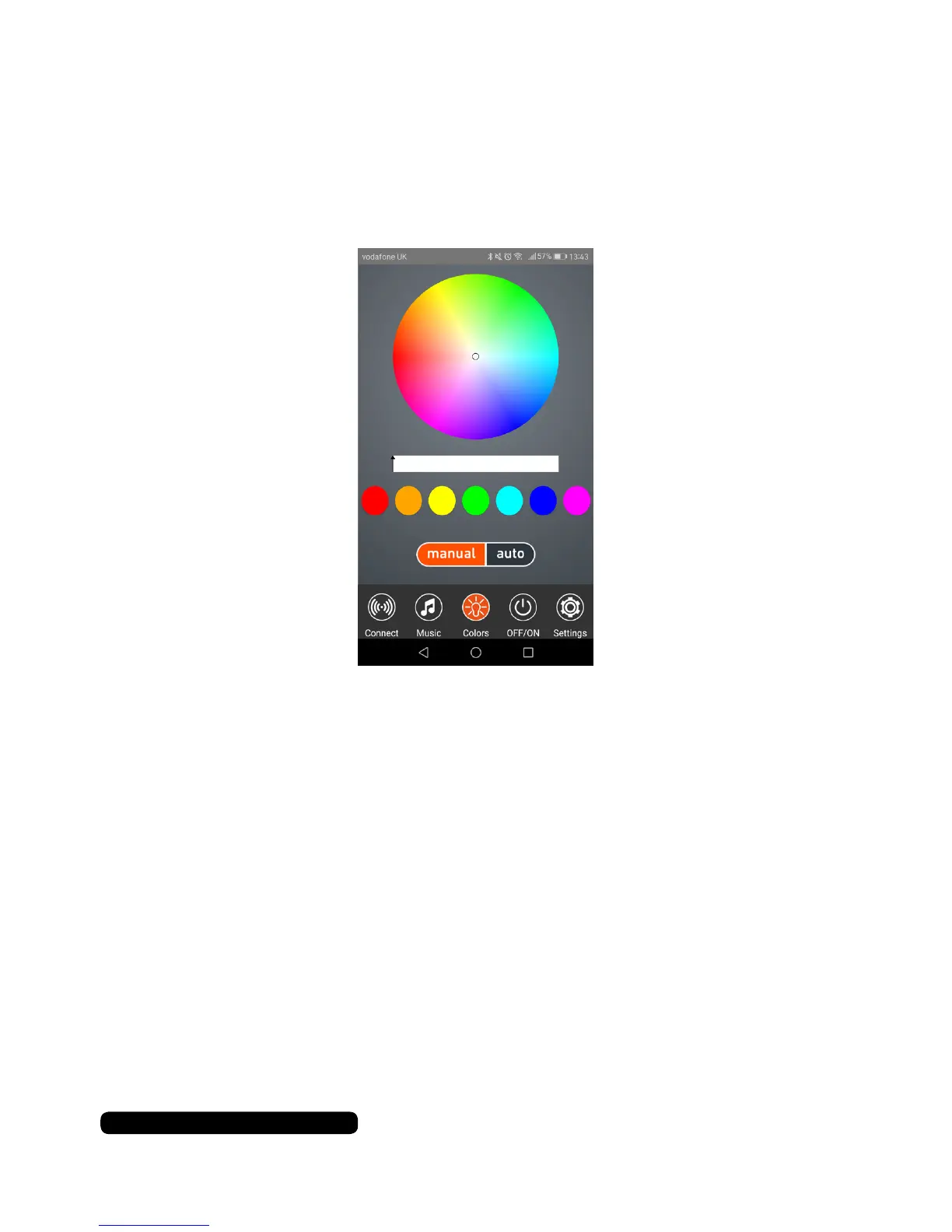
Colour
Touch the colour icon at the bottom of the screen to access the
app’s bulb colour control.
Manual (Colour)
Touch the circle and drag it around the colour wheel to change the
bulb to a custom colour.
The slide bar in the middle changes the intensity of the colour.
Touch the colour dots to change the bulb to the colour presets.
Auto (Colour)
If you select ‘auto’ the colour will change with the music played
through the app player.


 To Next Page