8
After Sales Support
UK/N.IRELAND HELPLINE N
O
:
REP.IRELAND HELPLINE N
O
:
WEBSITE:
EMAIL:
01270 508538
1800 995 036
www.quesh.co.uk
enquiries@quesh.co.uk
Select FM Mode
Press ‘Mode’ to change from DAB to the FM function.
Auto Tune FM
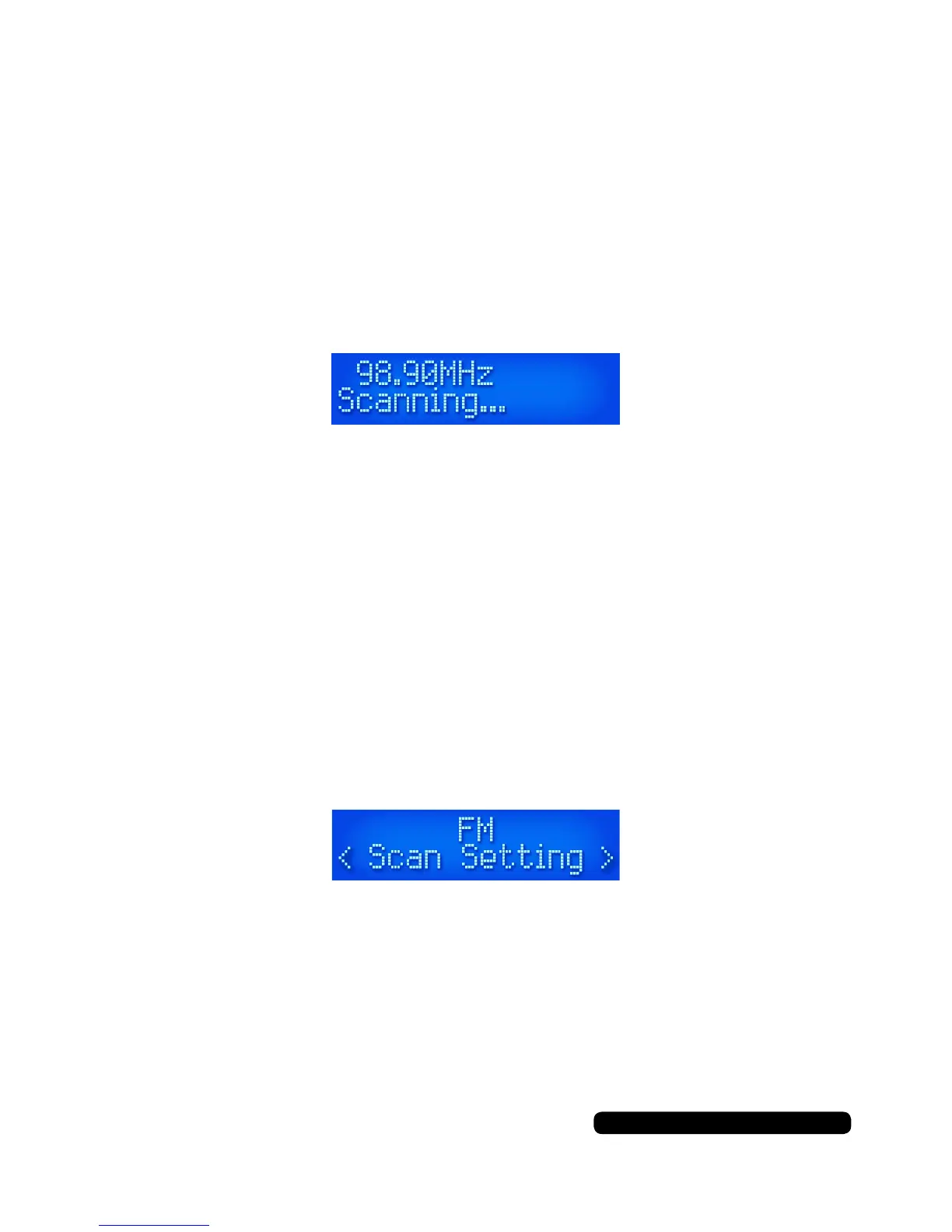
To auto tune to the next available radio station press and hold either
‘Tune +/-’ buttons for 3 seconds. This will start the FM auto scan.
‘+’ will scan up the channel and ‘-’ will scan down the channel.
The scan will always stop at the next signal received.
Save as a preset if required (see page 15).
Manually Tune FM
Press either ‘Tune +/-’ buttons to manually tune the radio in FM
mode. This helps in poor signal areas to get a clear signal.
Save as a preset if required (see page 14).
FM Mode
FM Menu Options
Press and hold the ‘Info/Menu’ button until you see ‘Scan Setting’.
Turn the dial to cycle the options and press the dial to select.
The options here are:
Scan Setting > Audio Set > System (See page 11).
FM Options



 To Next Page