5
After Sales Support
UK/N.IRELAND HELPLINE N
O
:
REP.IRELAND HELPLINE N
O
:
WEBSITE:
EMAIL:
01270 508538
1800 995 036
www.quesh.co.uk
enquiries@quesh.co.uk
Setup
First Time Use
After removing the radio from the packaging, connect the radio to the
mains using the adaptor supplied or insert 4 x ‘AA’ batteries into the
battery bay in the back. Fully extend the aerial and press and hold the
‘Standby’ button till the radio turns on (a quick press puts it on standby).
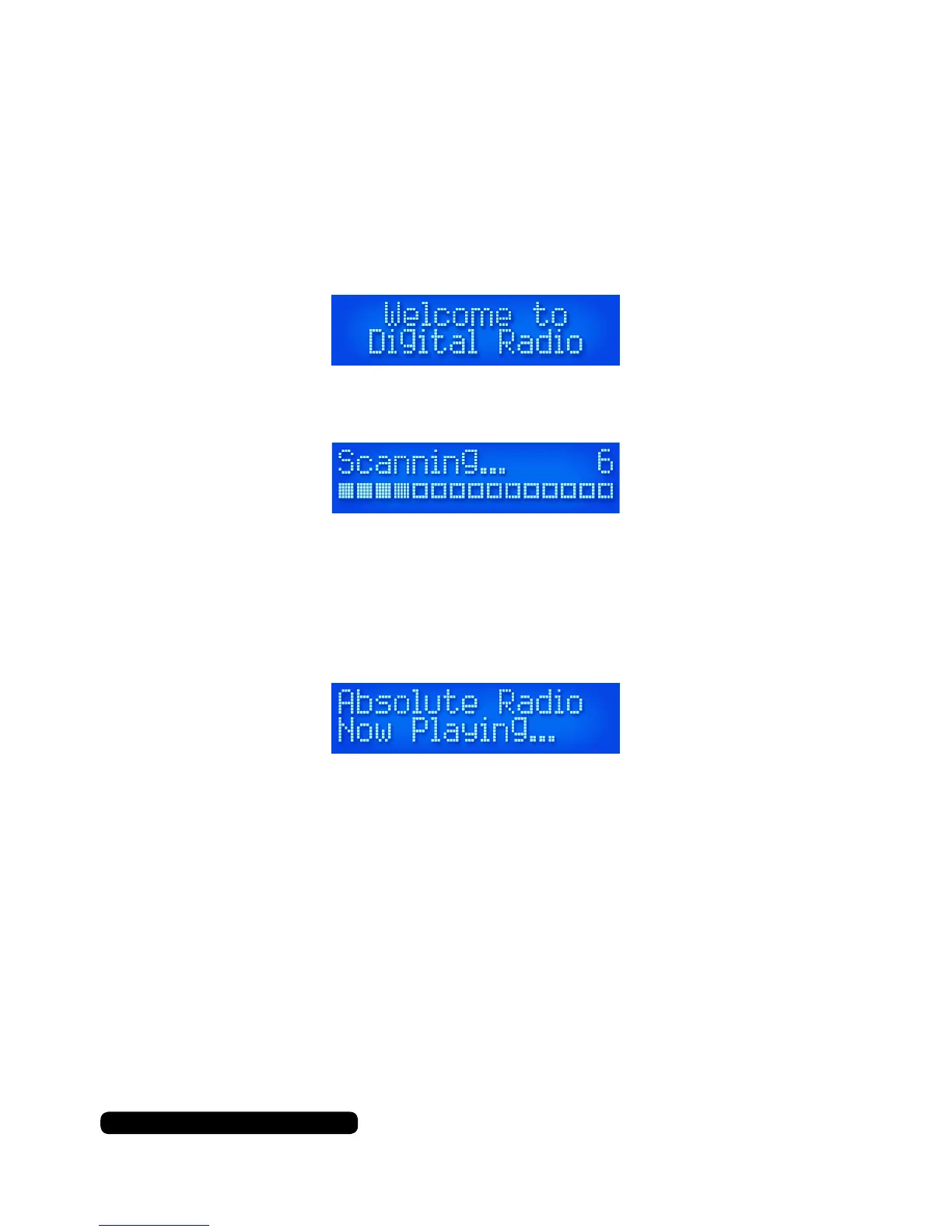
The date and time will automatically be set from the DAB signal
received. The radio will then proceed to scan for the rst time.
The number to the right of the display indicates the amount of
channels found in your region during this scan.
After the scan is complete the radio will tune itself to the rst
alphabetically listed station available in DAB mode.
Control Method
Using The Buttons
All the button actions are just a quick press unless otherwise stated
in the required action. This includes the button function of the dial.
Using The Dial
The dial on this radio is dual action. This means you can use it to
scroll through available options and press it for required button
actions.



 To Next Page