9
After Sales Support
UK/N.IRELAND HELPLINE N
O
:
REP.IRELAND HELPLINE N
O
:
WEBSITE:
EMAIL:
01270 508538
1800 995 036
www.quesh.co.uk
enquiries@quesh.co.uk
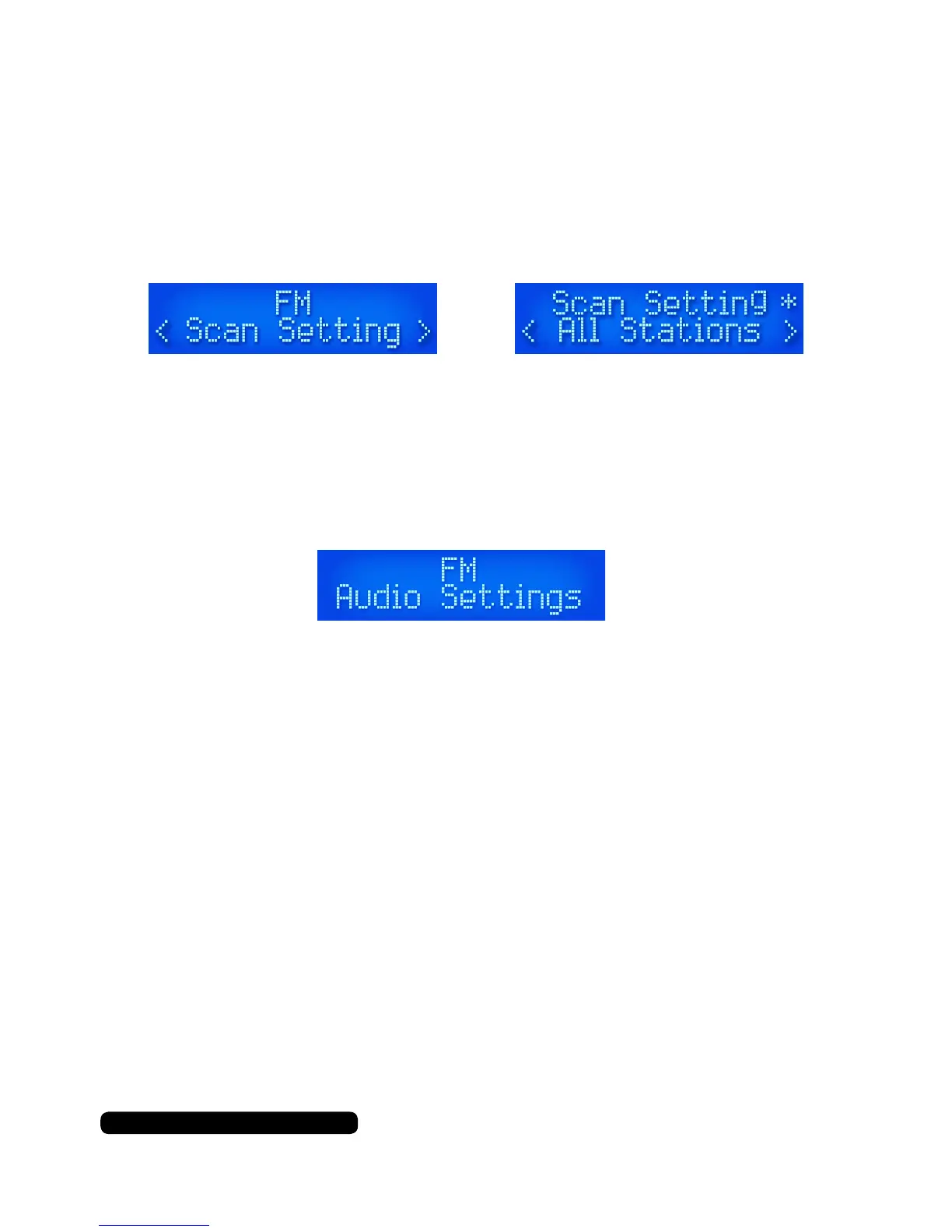
Scan Settings
You can change the Auto Tune search ability between ‘all stations’
and ‘strong stations’. Select ‘Scan Settings’ from the menu options.
Use the dial to cycle between either ‘Strong Stations’ or
‘All Stations’. Press the dial to select the required option.
The asterisk in the top right corner indicates current selection.
You will be sent to the previous menu once a selection has been
made. Press the ‘Info/Menu’ button to return to the main screen.
Audio Settings
You can change the sound output from stereo to mono with this
option. Select ‘Audio Set’ from the menu option.
Then use the dial to cycle between ‘Stereo Allowed’ and ‘Forced
Mono’ options and press to conrm. The asterisk in the top right
corner indicates which option is currently in use.



 To Next Page