16
After Sales Support
UK/N.IRELAND HELPLINE N
O
:
REP.IRELAND HELPLINE N
O
:
WEBSITE:
EMAIL:
01270 508538
1800 995 036
www.quesh.co.uk
enquiries@quesh.co.uk
Alarm
Setting the Alarm
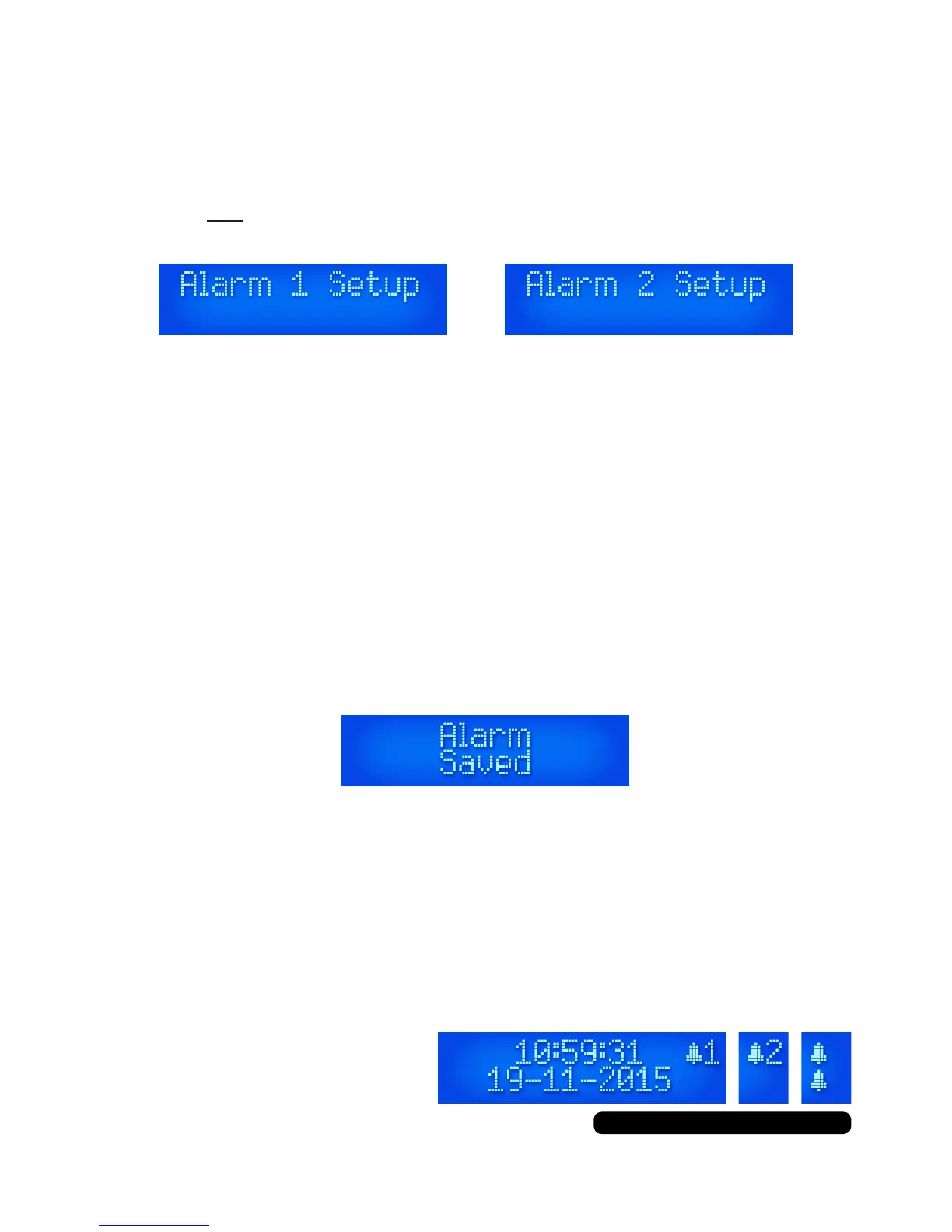
There are 2 alarms you are able to set on this radio. When the radio
is on and not in standby Press ‘Alarm’ to set alarm 1 or press ‘Alarm’
twice to set alarm 2 and press the dial to select.
The process is controlled by using the dial cycle through the
available options and pressing it to select. Once an option has been
selected it will move on to the next option to set.
Process ow:
Time:
Duration:
Alert:
*If ‘DAB’ or ‘FM’ selected:
Repeat:
*If ‘Once’ selected:
Volume:
Alarm:
Hour > Minutes
15 > 30 > 45 > 60 > 90 (Minutes)
Buzz > *DAB > *FM
Last Listened > Preset (1-10)
Daily > *Once > Weekday > Weekend
Day > Month > Year
Select Volume Level
On > Off
Once the alarm is successfully set ‘Alarm Saved’ will be seen on
the display to conrm.
Turning The Alarm On/Off
When the radio is in standby mode press the ‘Alarm’ button and use
the dial to cycle through the options on the display and press it to
select. The combination options with icons are:
Alarm 1: Off > On > Off > On
Alarm 2: Off > Off > On > On



 To Next Page