Instructions
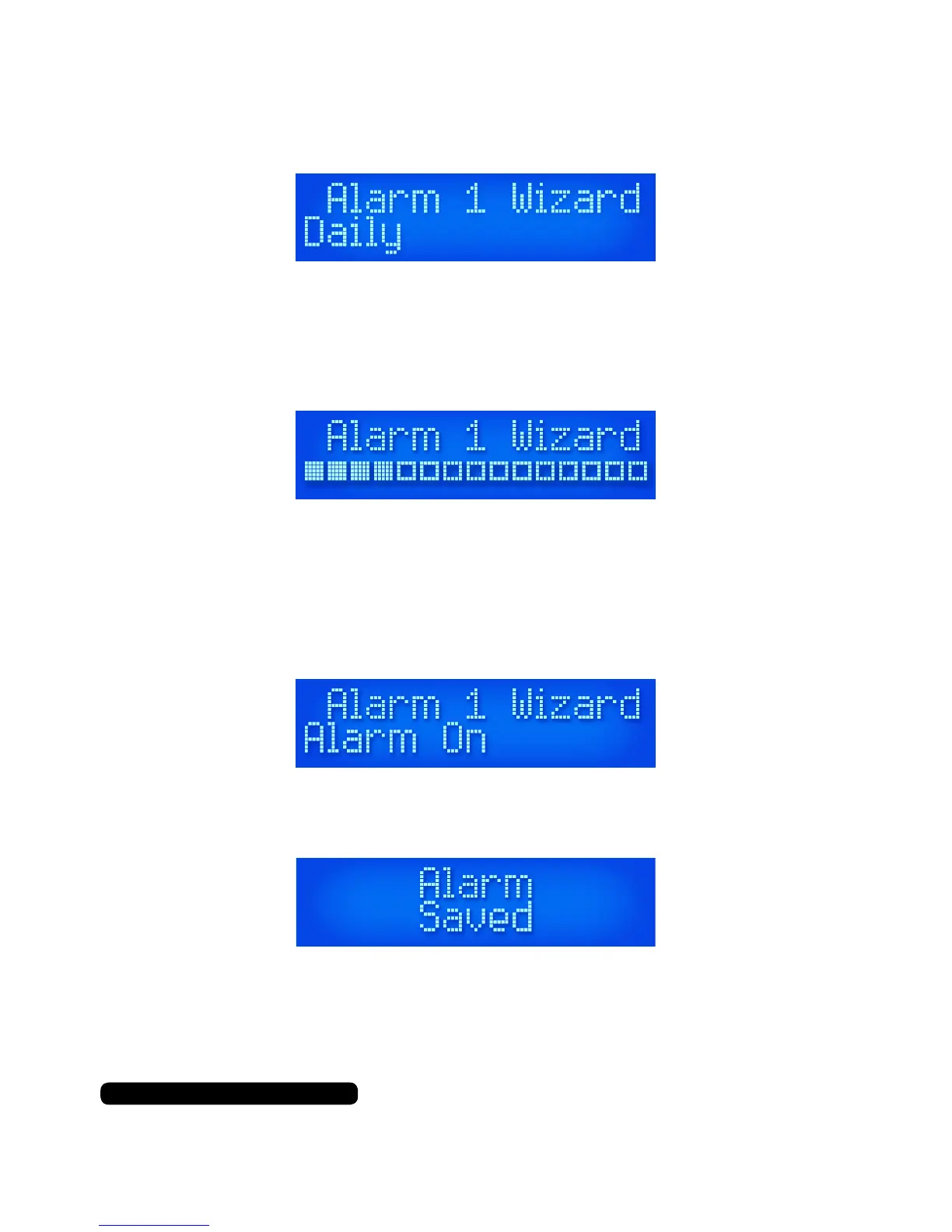
The next step is to choose and set the frequency of the alarm.
Your options will be ‘Daily’, ‘Once’, ‘Weekends’, or ‘Weekdays’. Use the
‘Scroll’ dial to select and conrm the required option for your alarm.
You will now be able to set the volume level for your alarm.
Use the ‘Scroll’ dial to set the volume level and press the ‘Scroll’ dial
to conrm the required audio level for your alarm.
You will now see the option to either activate or leave it dormant.
Use the ‘Scroll’ dial to set the alarm to ‘On’ or ‘Off’.
Press the ‘Scroll’ dial in to conrm the selection required for your
alarm. If you are successful you will see the message ‘Alarm Saved’.
If cancelled through the process or the alarm failed to save you will
see the message ‘Alarm Not Saved’.
11
After Sales Support
UK/N.IRELAND HELPLINE N
O
:
REP.IRELAND HELPLINE N
O
:
WEBSITE:
EMAIL:
01270 508538
1800 995 036
www.quesh.co.uk
enquiries@quesh.co.uk



 To Next Page