8
After Sales Support
UK/N.IRELAND HELPLINE N
O
:
REP.IRELAND HELPLINE N
O
:
WEBSITE:
EMAIL:
01270 508538
1800 995 036
www.quesh.co.uk
enquiries@quesh.co.uk
Reset
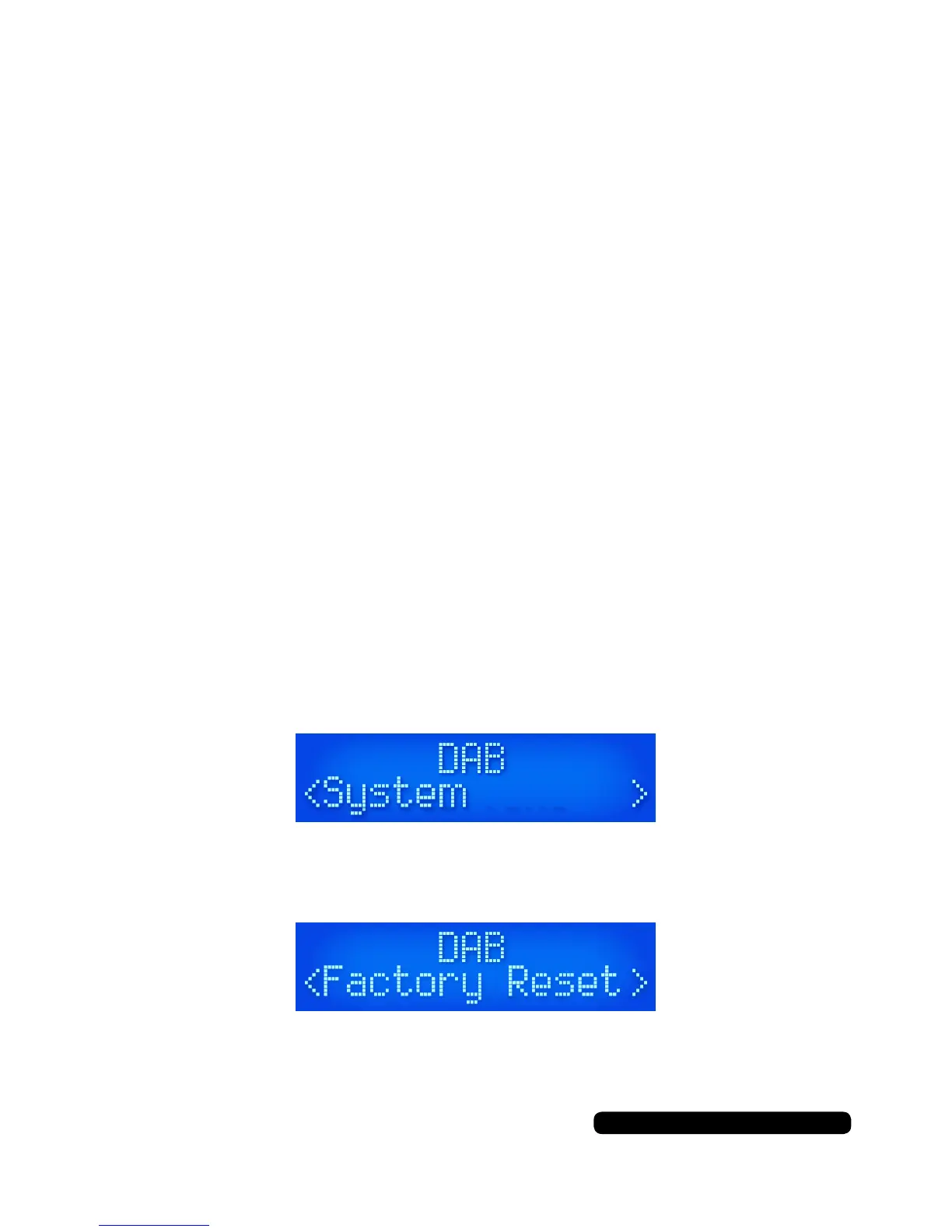
To reset the unit press the ‘Menu’ button, scroll through the options
with the ‘Scroll’ dial and select ‘System’ by pressing the ‘Scroll’ dial.
Scroll through the menu options as before and select
‘Factory Reset’.
Scroll to select ‘Yes’ and conrm by pressing the ‘Scroll’ dial. The
radio will restore itself to the original factory settings.
This will clear any presets saved and reset the time and date.
DAB
•NowPlaying
•SignalStrength
•Musicgenre
•National/Localdesignation
•MHzFrequency
•SignalErrors
•Kbpsdatatransferrate
•Time
•Date
FM
•NowPlaying
•StationName
•Musicgenre
•Mono/Stereo
•Time
•Date
Instructions
DAB/FM information
When listening in DAB or FM mode you can cycle through the
available information from the broadcasting service by pressing the
‘Info’ button.
The information cycle:



 To Next Page