14
After Sales Support
UK/N.IRELAND HELPLINE N
O
:
REP.IRELAND HELPLINE N
O
:
WEBSITE:
EMAIL:
01270 508538
1800 995 036
www.quesh.co.uk
enquiries@quesh.co.uk
Instructions
Setting the Language
You can change the display language to one of the following:
•English,Dansk,Français,Deutsch,orItaliano.
To do this press the ‘Menu’ button and use the ‘Scroll’ dial to navigate
to ‘System’ select it by pressing. Use the ‘Scroll’ dial and navigate and
select ‘Language’ from the system menu.
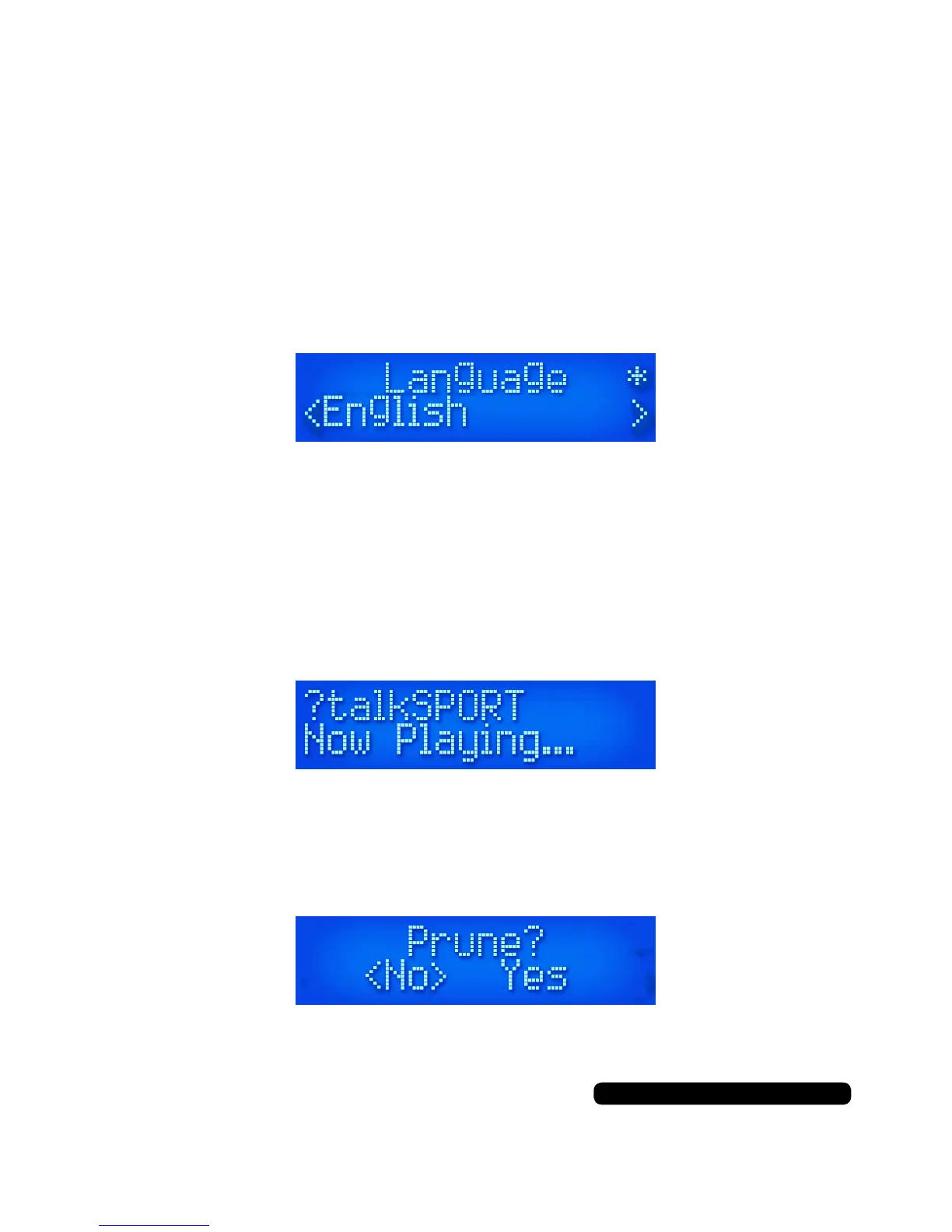
Select the required language with the ‘Scroll’ dial and press it to
conrm your selection. The asterisk in the top right corner indicates
the current selection.
Prune
You can remove DAB stations from the radio that are listed with a ‘?’
in front of their name by using the prune function.
Once you’ve selected a station you wish to remove, press the ‘Menu’
button and navigate the menu options with the ‘Scroll’ dial and select
‘Prune’. You will be presented with the choice ‘Yes’ or ‘No’. Select ‘Yes’
to remove the station.
You can restore all pruned DAB stations by performing a factory reset
as per reset instructions.



 To Next Page