6
After Sales Support
UK/N.IRELAND HELPLINE N
O
:
REP.IRELAND HELPLINE N
O
:
WEBSITE:
EMAIL:
01270 508538
1800 995 036
www.quesh.co.uk
enquiries@quesh.co.uk
Selecting a preset DAB/FM station
Press the ‘Memory’ button, scroll through the saved presets by
turning the ‘Scroll’ dial. To select a preset press the ‘Scroll’ dial to
select the required saved preset.
Auto Tune DAB
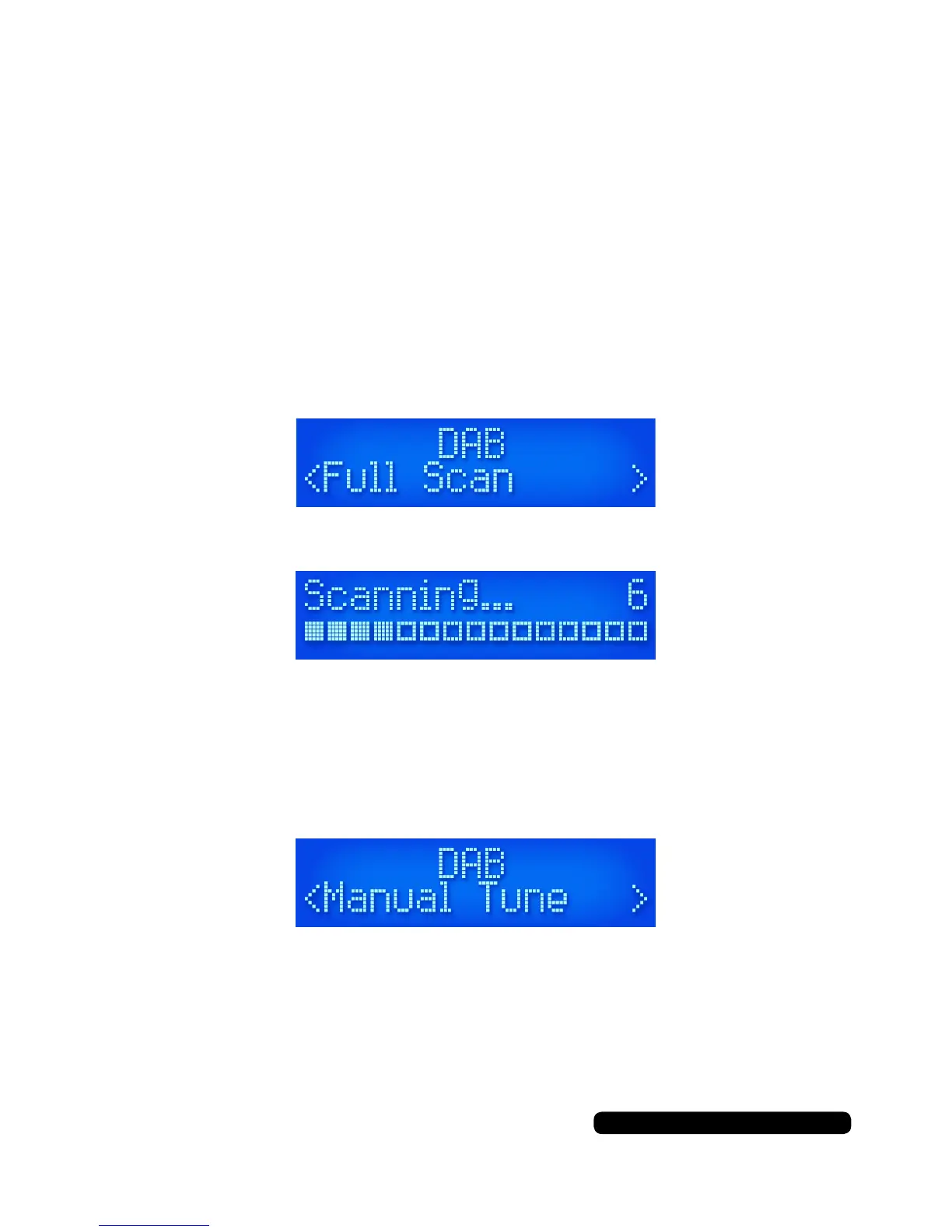
To fully retune all of the available stations on DAB press the ‘Menu’
button. This will show you the scan option on the display. Press the
‘Scroll’ dial select the ‘Full Scan’ option.
The radio will now scan through all the available channels.
All the channels found will be shown in alphabetical order.
Manually Tune DAB
To manually tune the radio, press ‘Menu’ button and turn the ‘Scroll’
dial till ‘Manual Tune’ is displayed. Press the ‘Scroll’ dial to select.
Rotate the ‘Scroll’ dial in either direction to tune the radio in. This helps
in poor signal areas to get a clear signal. Repeat the storing a preset
procedure to save the current tuning.
Instructions



 To Next Page