5
After Sales Support
UK/N.IRELAND HELPLINE N
O
:
REP.IRELAND HELPLINE N
O
:
WEBSITE:
EMAIL:
01270 508538
1800 995 036
www.quesh.co.uk
enquiries@quesh.co.uk
Instructions
Selecting a DAB station
Turn the ‘Scroll’ dial either clockwise or anti clockwise to cycle
through the available stations. All the stations are displayed in
alphabetical order.
Once you have found the required DAB/FM station to listen to, press
the ‘Scroll/OK’ dial to select it. The station will only change once it has
been selected, so you can browse the available stations without
disturbing the current selected station.
Saving a DAB/FM station
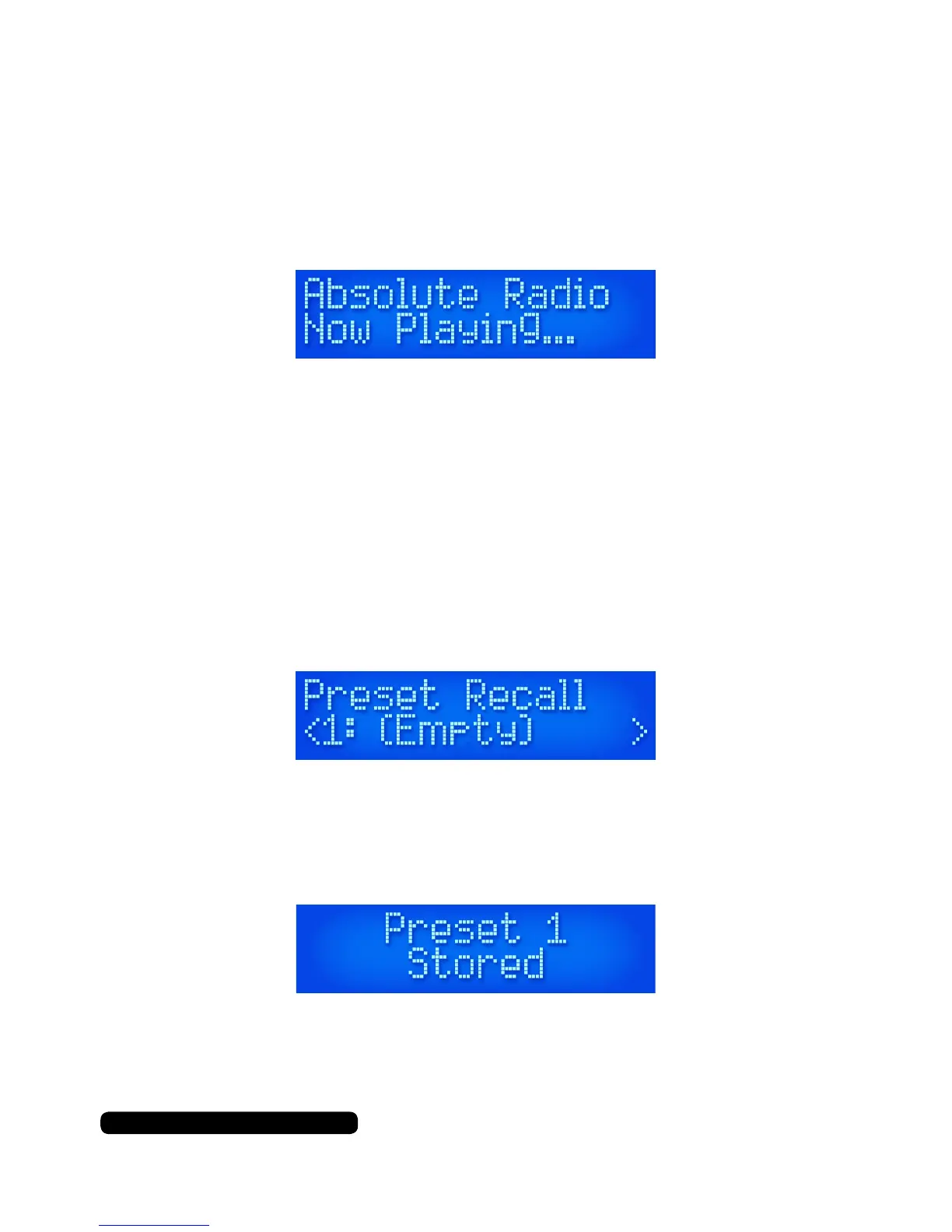
Press ‘Memory’ when you have tuned the radio on to a required
station in DAB or FM mode. The display will show the ‘Preset Recall’
message.
Turn the scroll dial to select a slot (1 to 10) and press and hold the
scroll dial in to save the preset. You will see the saved message on the
screen conrming the preset has been stored.
.



 To Next Page