4
System Status & User Authorities
• The Kite system does not support any wired sensors. The main box communicates with all sensors via wireless RF
signal protocols.
• Most of the sensors have a low-baery warning mechanism. Users will receive nocaons via the app before the
baery runs out to allow me to change them.
• The system can change its security status according to the commands given by users or the signals sent from the
triggered sensors.
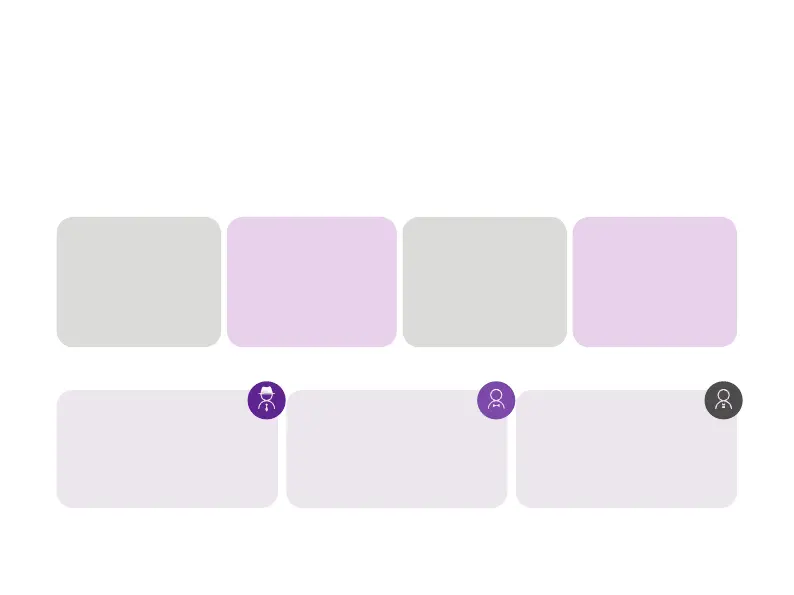
Arm:
All working sensors can be
triggered. The system will
generate an alarm when
receiving the trigger signal
sent from sensors.
Disarm:
This mode will de-acvate
all sensors and will also turn
o the siren and stop the
alarm process.
Home Arm:
This mode will allow some
selected sensors to keep
working while others are
deacvated. These sensors
could be selected in App.
SOS:
SOS will trigger built-in
siren & send alarm
messages to emergency
contacts. It also triggers
external sirens or other
sensors like smart plugs.
• There are three levels of user authories:
- ADMINISTRATOR:
Who can fully control the system
and invite other users with assigned
levels.
- GUEST:
Who can only operate
ARM / DISARM / HOME ARM / SOS.
- USER:
Who can operate ARM / DISARM
/ HOME ARM / SOS and control
the smart plugs and cameras, also
can invite other people as USER or
GUEST.


 To Next Page