EasyManua.ls Logo

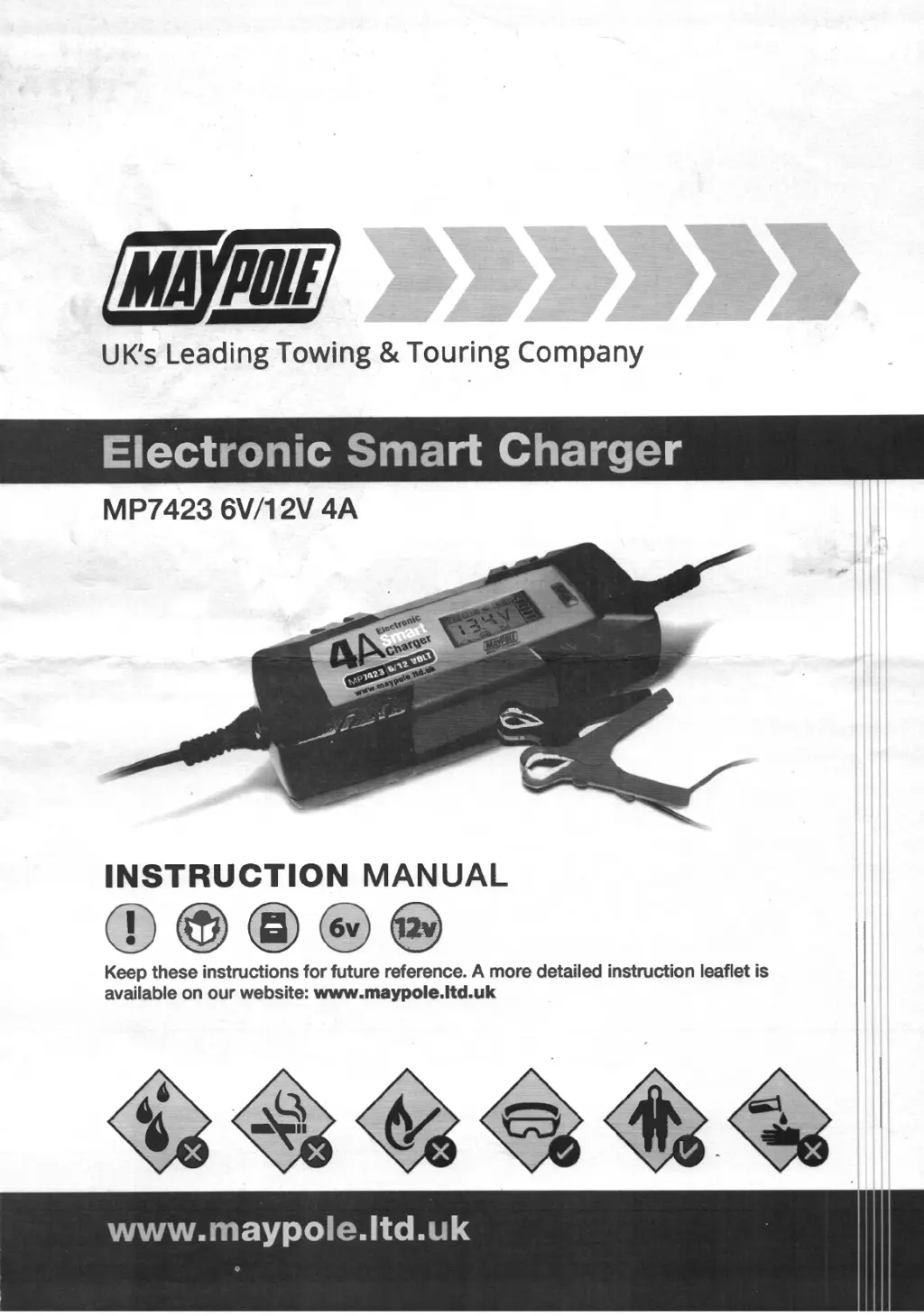
MayPole MP7423 - User Manual

MayPole MP7423
6 pages
Print Icon
To Next Page IconTo Next Page
Loading...
(MAY,DII/
UK's
Leading Towing & Touring Company
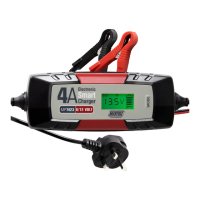
Electronic
Smart
Charger
MP7423 6V/12V
4A
INSTRUCTION
MANUAL
(D@)@@@
Keep these instructions
for
future reference. A more detailed instruction leaflet is
available on
our
website: www.maypole.ltd.uk

Questions and Answers

  • T
    Thomas FordAug 3, 2025
    How to fix a MayPole MP7423 Battery Charger with no display?
    • D
      Diamond PhamAug 4, 2025
      If the MayPole Battery Charger has no display, it may be due to the mains supply not being connected. Check the socket to ensure the charger is properly connected to a power source.
  • W
    wmartinezAug 11, 2025
    What to do if my MayPole MP7423 shows clamp indication and voltage symbols?
    • M
      Marissa OdomAug 11, 2025
      If your MayPole Battery Charger displays a clamp indication and voltage symbols, it usually means the battery terminals are dirty or oxidized, leading to low or unstable charging current. To fix this, clean the battery terminals.
  • E
    eclarkAug 18, 2025
    Why does my MayPole MP7423 Battery Charger show the battery polarity reversal symbol?
    • T
      tyler63Aug 18, 2025
      If the MayPole Battery Charger displays the battery polarity reversal symbol, it indicates that the battery clamps are reversed. Disconnect the clamps and reconnect them correctly, paying attention to the polarity.
  • T
    Tonya SchultzAug 26, 2025
    What to do if my MayPole Battery Charger display shows 0.0V and clamp symbol?
    • D
      David AllenAug 26, 2025
      If your MayPole Battery Charger's display backlight is on but shows 0.0V and the clamp symbol, it means the battery is not connected. Check the clamps to ensure they are properly connected. If the problem persists, consider replacing the battery.

Summary

SAFETY - Important Guidelines

RISK OF EXPLOSION

Explains potential explosive gases during charging and necessary precautions to prevent ignition.

FEATURES & TROUBLESHOOTING

LCD DISPLAY

Details the meaning of symbols and indicators on the LCD screen for various charging modes and battery statuses.

INSTRUCTIONS FOR USE

SUMMARY OF OPERATION

Outlines the five-step charging process: pulse charging, soft start, bulk charging, absorption, and float charging.

CONNECTION

CHARGING

Instructions on how to connect the charger and select the appropriate charging mode for different battery types.

WHEN CHARGING IS COMPLETE

Details the procedure for safely disconnecting the charger from the battery after the charging cycle is finished.

TECHNICAL SPECIFICATIONS

MayPole MP7423 Specifications

General IconGeneral
BrandMayPole
ModelMP7423
CategoryBattery Charger
LanguageEnglish

Related product manuals