516532 B PUBLICATION DATE 1 JUN 2007.DOC PROGRAMMING MANUAL 3
2.2. SYMBOLS USED
T BUTTONS
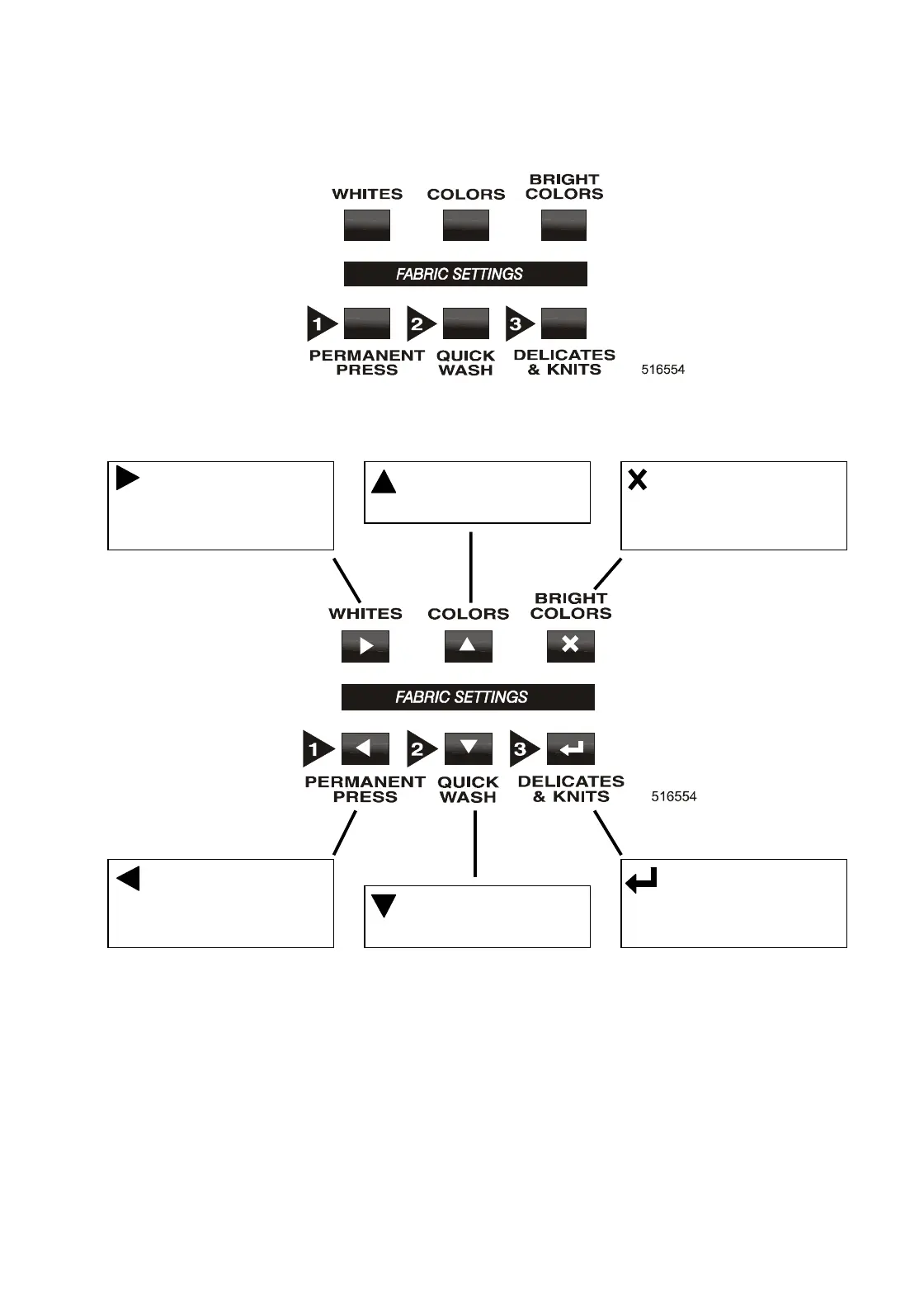
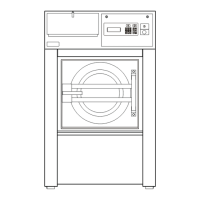
* BUTTONS in Run Mode work as WASH CYCLE BUTTONS
* BUTTONS in Service – Set-Up Mode work as PROGRAM BUTTONS
T SERVICE KEY
The key switch is mounted in the front of the cover panel.
With the key switch you can select „Run mode“ or „Service – Setup mode“
- RUN MODE : - Normal wash machine operation.
- Service - Setup MODE : - changing the wash programs and machine settings.
- information and diagnostics for service intervention
T LABELS
On the labels you can find Instructions for the Washing machine Operation and Information
about the Wash Programs.
ARROW UP
- Go to previous menu item
ESCAPE
- Return to previous Menu
- Edit : Keep old settings
ARROW RIGHT
- Increase value
- Select next list element
ARROW DOWN
- Go to next menu item
ENTE
- Go to next Menu - Screen
- Edit : Confirm and Save
ARROW LEFT
- Decrease value
- Select previous list element



 To Next Page