4-14
Remove two 5/16” hex head screws from
the front of the control panel.
Open the control panel (See page 4-13).
Remove timer from behind control panel.
NOTE: Timer shaft may need to be rotated
to allow the cross bar to pass through the
hole in the control panel.
Disconnect the wire connectors from the
back of the timer.
4.
5.
6.
7.
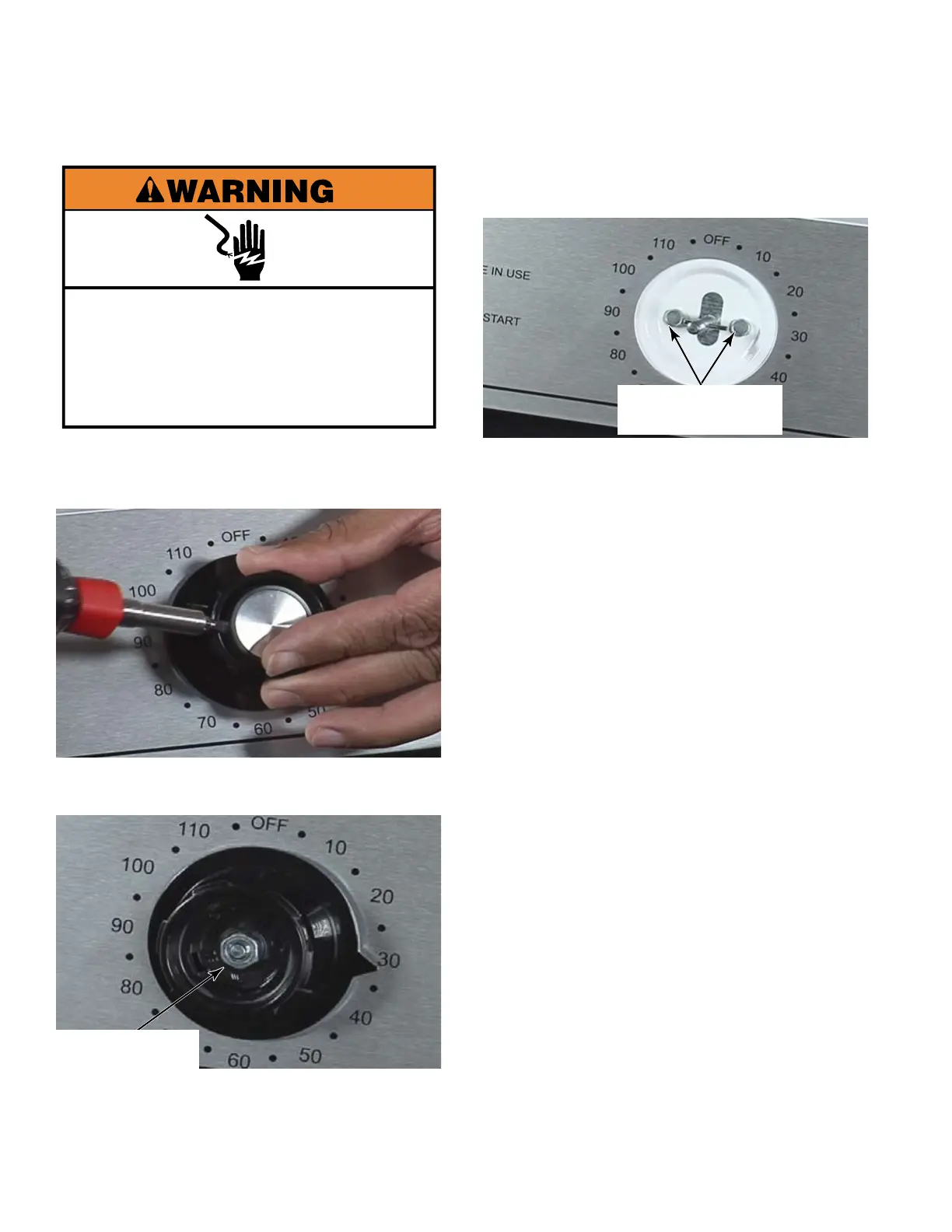
Electrical Shock Hazard
Disconnect power before servicing.
Replace all parts and panels before
operating.
Failure to do so can result in death or
electrical shock.
Use a small flat blade screwdriver to pry off
the cap of the timer knob.
Remove the 7/16” hex nut under the cap.
Remove the knob handle and the knob
pointer from the timer shaft.
1.
2.
3.
REMOVE MECHANICAL TIMER - MN
Two 5/16” Hex
Head Screws
7/16” Hex Nut



 To Next Page