When Driving
30
How to Change the Set Vehicle Speed
Multi-information Display
Active Driving Display
For details, refer to Section 4, “i-ACTIVSENSE”.
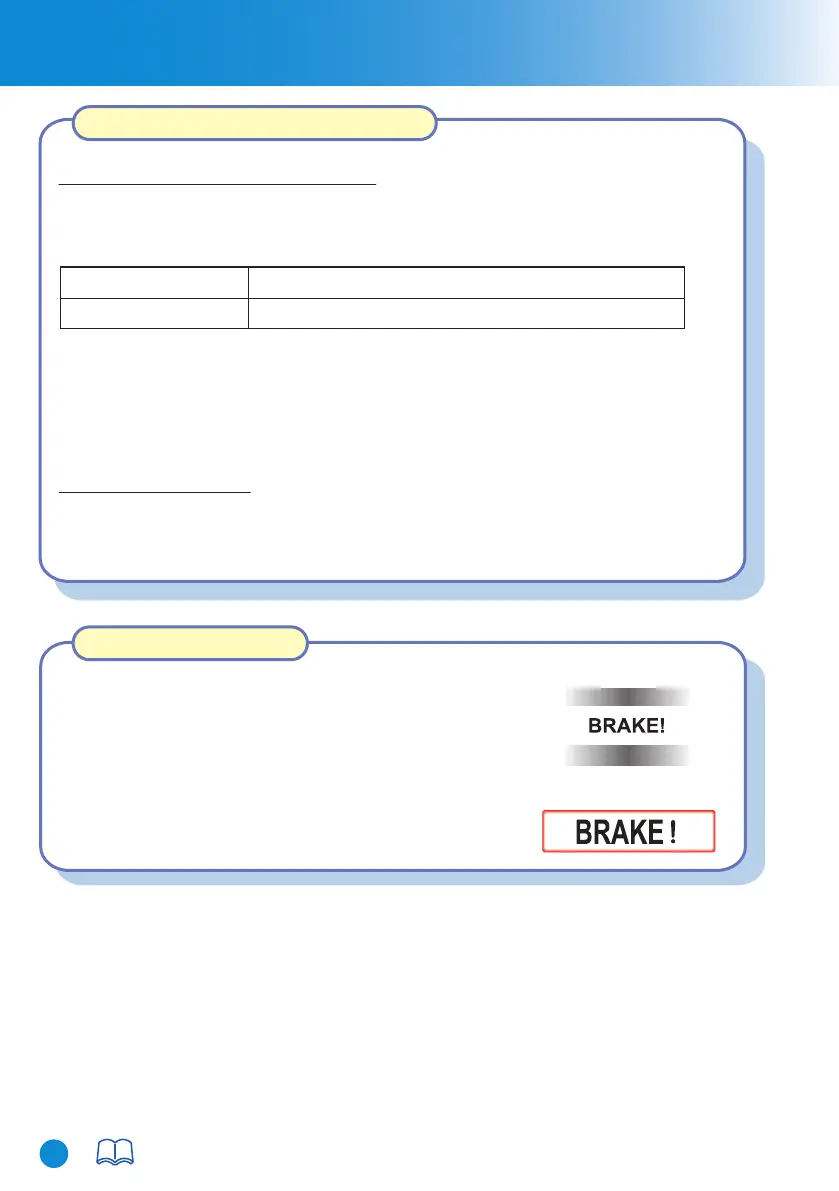
If your vehicle rapidly closes in on the vehicle ahead
because the vehicle applies the brakes suddenly while you
are travelling in headway control, the warning sound
activates and the brake warning is indicated in the display.
Always verify the safety of the surrounding area and
depress the brake pedal while keeping a safer distance
from the vehicle ahead. Additionally, always keep a
safer distance from the vehicles behind you.
To accelerate/decelerate using the SET switch
To increase speed using accelerator pedal
Depress the accelerator pedal and press and release the SET + switch or SET -
switch at the desired speed. If the switch is not operated, the system returns to the
set speed after you release your foot from the accelerator pedal.
When you press the SET + switch, the vehicle accelerates and when you press the
SET - switch, it decelerates.
Short press
Long press
5 km/h (5 mph)
10 km/h (5 mph)
Turning off the system
Press the OFF/CANCEL switch two times while the MRCC system is operating to
switch off the system.
Mazda Radar Cruise Control (MRCC)
Close Proximity Warning
CX-8_8HJ9-EI-19E_Edition2_QuickGuide.indb 32CX-8_8HJ9-EI-19E_Edition2_QuickGuide.indb 32 2020/04/15 9:02:112020/04/15 9:02:11



 To Next Page