37
When Driving
Multi-information Display
Active Driving Display
For details, refer to
Section 4, “i-ACTIVSENSE”
.
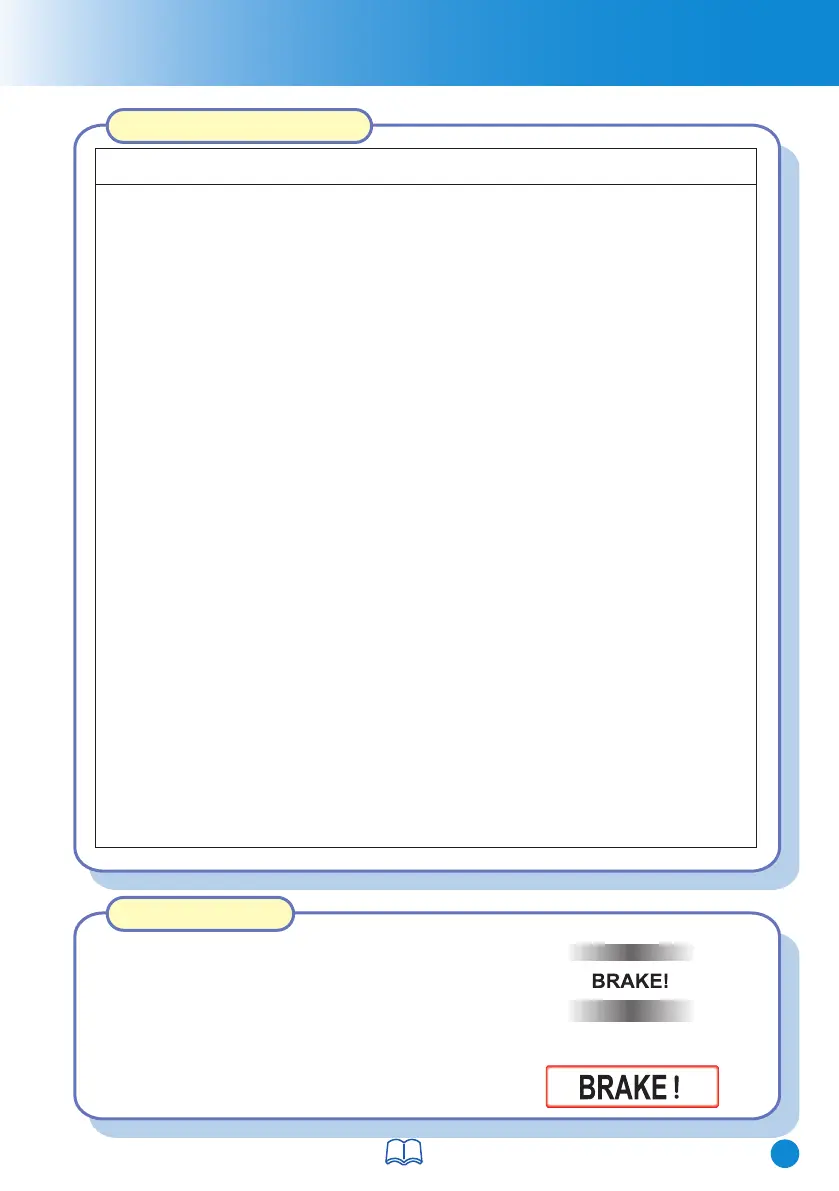
If there is the possibility of a collision with a
vehicle ahead, the beep sounds continuously
and a warning is indicated in the display.
Collision Warning
The SBS system may not operate under the following conditions:
• If the vehicle is accelerated rapidly and it comes close to a vehicle ahead.
Although the objects which activate the system are four-wheeled vehicles, the
radar sensor (front) could detect the following objects, determine them to be an
obstruction, and operate the SBS system.
• Objects on the road at the entrance to a curve (including guardrails and
snow banks).
• The vehicle is driven at the same speed as the vehicle ahead.
• The accelerator pedal is depressed.
• A vehicle appears in the opposite lane while cornering or rounding a curve.
• When crossing a narrow bridge.
• When entering an underground parking area.
• Metal objects, bumps, or protruding objects on the road.
NOTE
Smart Brak
e Support (SBS)
• The brake pedal is depressed.
•
The steering wheel is being operated.
• The selector lever is being operated.
• The direction indicator is being used.
• When the vehicle ahead is not equipped with tail lights or the tail lights are
turned off.
• When warnings and messages, such as a dirty windscreen, related to the
Forward Sensing Camera (FSC) are being displayed in the multi-
information display.
• When passing under a low gate or through a tunnel or narrow gate.
• If you suddenly come close to a vehicle ahead.
• When driving in areas where there is high grass or forage.
• Two-wheeled vehicles such as motorbikes or bicycles.
• Pedestrians or non-metallic objects such as standing trees.
CX-8_8HJ9-EI-19E_Edition2_QuickGuide.indb 39CX-8_8HJ9-EI-19E_Edition2_QuickGuide.indb 39 2020/04/15 9:02:112020/04/15 9:02:11



 To Next Page